

Complex Travel Internet: Complete Connectivity Guide

Simon Muller
Posted on May 26, 2026
Complex Travel Internet: Complete Connectivity Guide
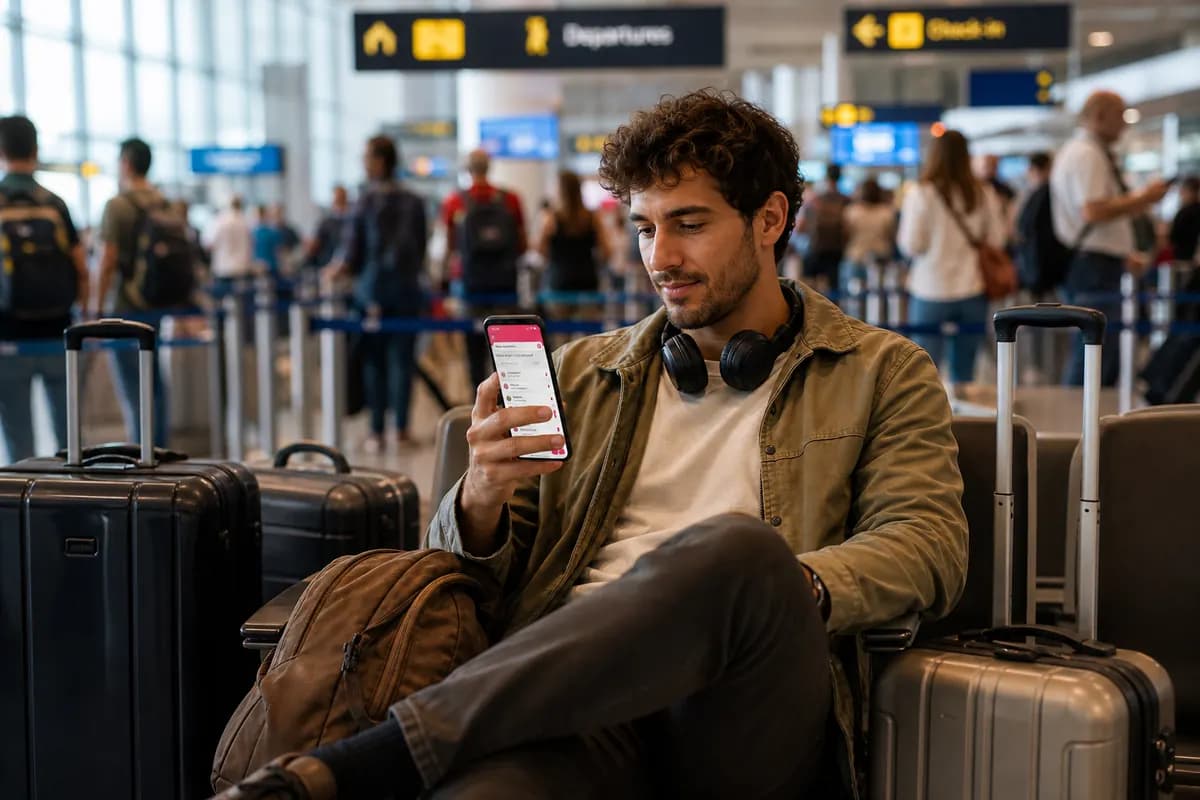
You book a three-week trip across four countries, including a short cruise and a long layover. You land at your first destination. Your phone connects to a foreign network. Your home carrier sends a text: international roaming costs $15 per day. Over a 21-day trip, that equals $315 just to use maps, check emails, and hail rides.
Complex itineraries require a specific connectivity strategy. Relying on your home carrier leads to massive bills. Buying a physical local SIM card at every border wastes hours. Public Wi-Fi leaves you vulnerable to data theft and drops during important tasks.
You need a single, reliable data source that adapts to your location without charging hidden fees. A GoMoWorld eSIM solves this upfront. You keep your home number for calls and texts, with a dedicated data plan for your trip. 10GB for 15 days costs €10.99.
Context and Challenges
Complex travel involves multiple borders, different modes of transport, and varying network infrastructures. Each transition creates a connectivity gap.
The Multi-Country Border Trap
When you cross a land border, your phone loses its connection to the current cell tower. It searches for a new local partner network. If you use a traditional domestic plan, this switch triggers a new roaming day.
Visit three countries in three days, and some carriers charge you three separate daily fees. Background apps refresh constantly. Weather apps update. Email clients sync. This background activity consumes data before you even unlock your screen. You pay for data you did not actively use.
The Maritime Network Black Hole
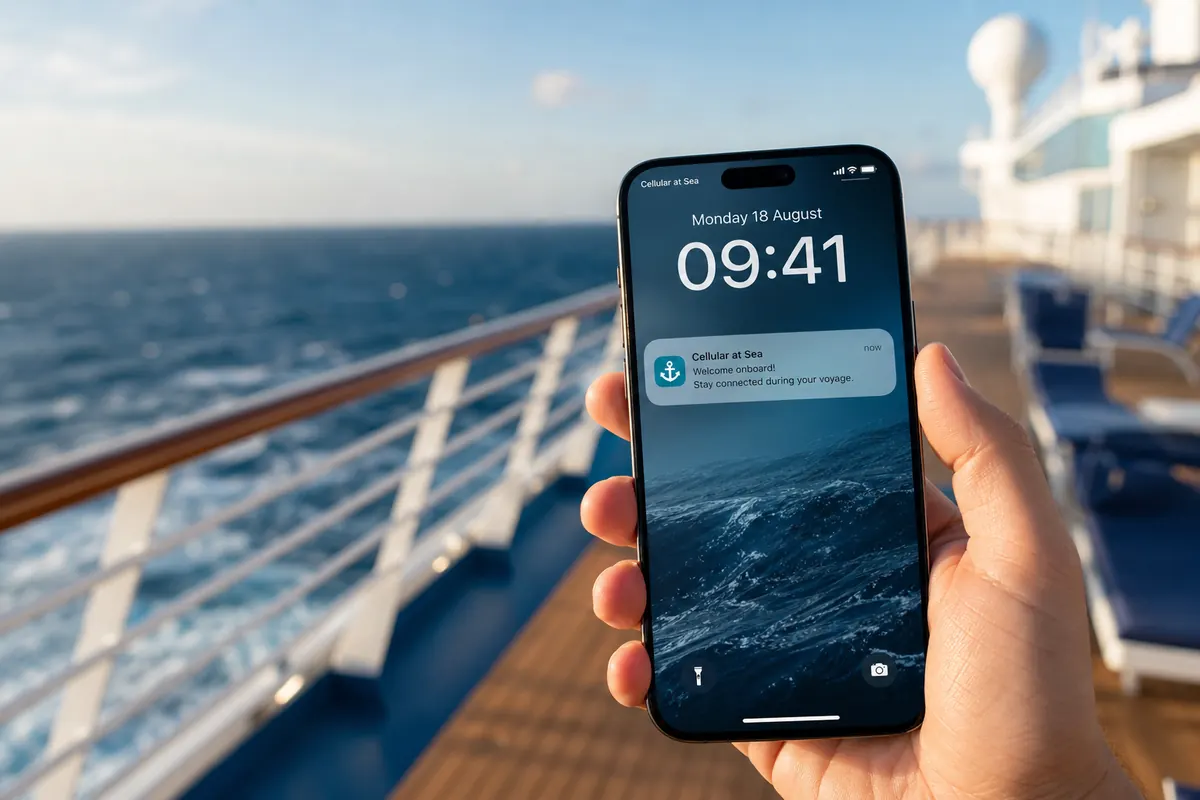
Ferries and cruise ships present a specific danger. Once a ship sails a few miles offshore, land-based cell towers lose range. The ship activates its own satellite-based mobile network.
Your phone automatically connects to this network, often named "Cellular at Sea" or "901.12". This is not standard international roaming. It is maritime roaming. Home carriers charge exorbitant rates for maritime data, often exceeding $5 per megabyte. A single photo upload can cost $25.
Deciding between wi-fi cruise vs esim requires understanding these specific maritime risks. Ship Wi-Fi packages cost up to $30 per day and suffer from high latency.
The Short Layover Dilemma
Long-haul flights often include layovers of 8 to 12 hours. You want to leave the airport, grab food, and see the city. Without data, navigating a new transit system becomes difficult.
Buying a physical SIM card for a 10-hour layover makes no sense. The activation process takes 45 minutes. Airport kiosks charge premium prices. You need a connection the exact minute you step off the plane.
The Digital Nomad Requirement
Remote work demands stability. A digital nomad cannot rely on hotel Wi-Fi to conduct video calls or upload large files.
Finding the digital nomad traveling setup means securing high-speed data that moves with you. Public Wi-Fi networks in cafes often require SMS verification. If your home SIM has no signal, you cannot receive the verification code. You remain locked out of the network. A dedicated data connection bypasses this obstacle.
Available Options
Travelers use five main methods to stay connected during multi-destination trips. Each carries specific costs and limitations.
1. Traditional Carrier Roaming
Your home provider offers international passes. AT&T provides the International Day Pass. Verizon offers TravelPass. T-Mobile includes international data in premium plans but throttles the speed.
These plans prioritize convenience but fail on price. AT&T charges up to $15 per day. A 30-day trip costs $450. If you forget to disable roaming upon returning to your ship, maritime charges apply on top of the daily fee.
Understanding international roaming fees prevention strategies starts with auditing your current domestic plan. Most standard plans offer zero international protection.
2. Local Physical SIM Cards
You land, find an electronics kiosk, and buy a local network chip. You hand over your passport for registration.
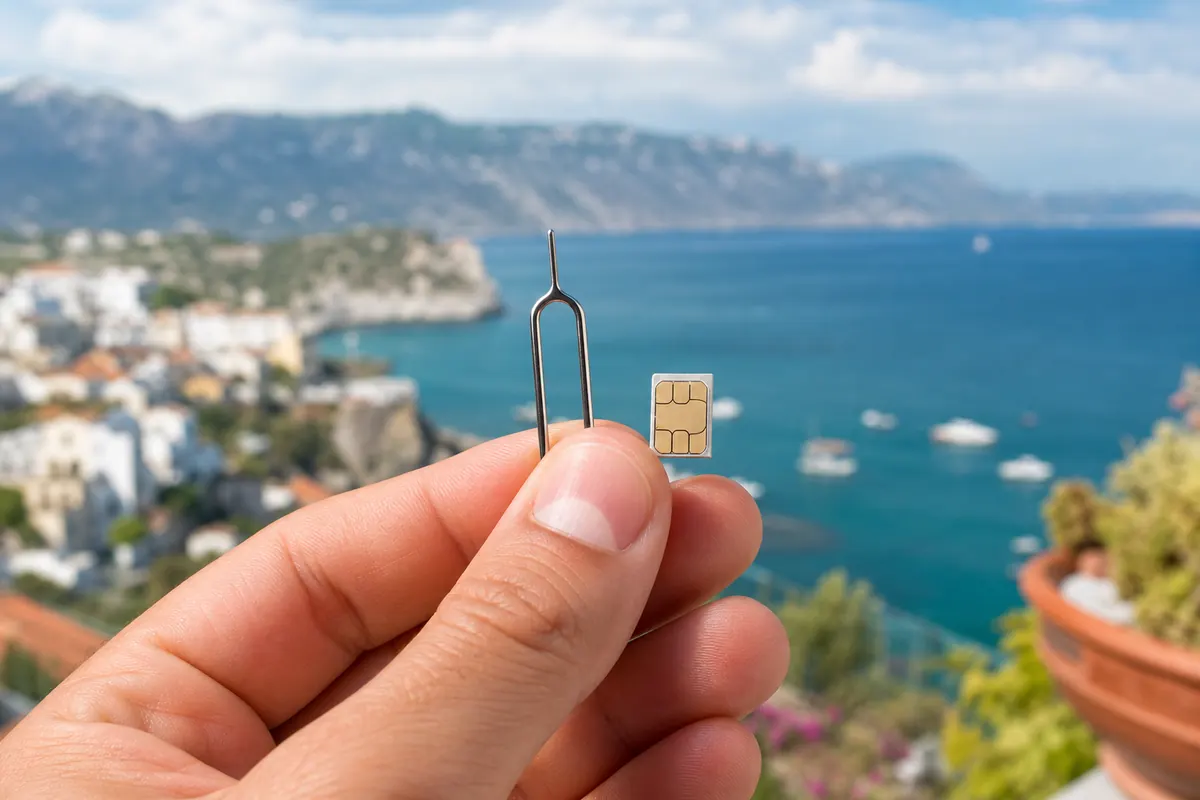
This method provides local rates but destroys convenience. You must physically remove your home SIM card. You lose access to your primary phone number. Two-factor authentication texts from your bank will not arrive.
For multi-country trips, you must repeat this process at every border. Finding the best internet for travelers abroad means avoiding the physical SIM card shuffle entirely.
3. Travel Wi-Fi Routers (Pocket Wi-Fi)
You rent a battery-powered router that broadcasts a Wi-Fi signal. Multiple devices can connect to it simultaneously.
The drawbacks outweigh the benefits. You must carry a second device. You must charge a second battery. Rental companies require hefty security deposits. You must mail the device back at the end of your trip. If you lose the router, you pay a replacement fee of $150 or more.
4. Public Wi-Fi Networks
Airports, hotels, and cafes offer free Wi-Fi. This is the cheapest option but the least reliable.
Public networks lack encryption. Hackers intercept unencrypted data easily. Captive portals block access until you provide an email address or accept tracking cookies. Connection speeds drop drastically during peak hours. You cannot order an Uber from the street using hotel Wi-Fi.
5. Travel eSIM (Data-Only)
An eSIM is a digital SIM card embedded in your smartphone. You download a data plan via an app. You keep your physical home SIM active for calls and texts while routing all data traffic through the eSIM.
This eliminates daily roaming fees. You buy a specific data volume for a specific duration. You control the exact cost upfront.
Comparison Table
Compare the leading connectivity methods for a 15-day multi-destination trip.
| Connectivity Method | Pricing Structure | Estimated Cost (15 Days) | Risk of Hidden Fees |
|---|---|---|---|
| AT&T International Day Pass | ~$15 / day | $225 | High (Maritime roaming) |
| Verizon TravelPass | ~$10 - $15 / day | $150 - $225 | High (Background data) |
| Pocket Wi-Fi Rental | ~$9 / day + deposit | $135 + shipping | Medium (Loss/Damage fees) |
| Ship Satellite Wi-Fi | ~$25 / day | $375 | Low (Prepaid packages) |
| GoMoWorld eSIM | 10GB for 15 days | €10.99 | Zero (Prepay system) |
Managing Dual SIM Settings for Complex Trips
Using an eSIM requires correct phone settings. You must configure your device to use your home SIM for voice and the eSIM for data.
iPhone Configuration Steps
- Go to Settings > Cellular.
- Tap your home carrier line.
- Turn OFF "Data Roaming".
- Keep "Turn On This Line" enabled (to receive calls and SMS).
- Go back to Cellular > Cellular Data.
- Select your GoMoWorld eSIM as the primary data source.
- Toggle OFF "Allow Cellular Data Switching" (prevents your phone from quietly using your home plan for data).
Android Configuration Steps
- Go to Settings > Network & Internet > Mobile Network.
- Select your home carrier profile.
- Toggle OFF "Roaming".
- Ensure the SIM remains active for calls and SMS.
- Select your GoMoWorld eSIM profile.
- Toggle ON "Mobile Data" and "Roaming" for the GoMoWorld profile.
Preventing Unwanted Charges
Even with correct settings, your home carrier might charge a daily fee if you answer a phone call or send an SMS.
To guarantee zero charges from your home carrier, you must not answer incoming calls. Let them go to voicemail. Do not send green SMS messages (iMessage and WhatsApp use data and are safe). If you absolutely must avoid all home carrier fees, turn off your home SIM entirely, but you will lose access to your phone number.
Port Calls and Short Stays
Cruises involve multiple short stops. You dock in a new country for eight hours. Ship Wi-Fi disconnects as you walk down the gangway.
Finding port call internet foreign cities requires immediate connectivity. You need data to find the meeting point for your excursion or check restaurant reviews.
A GoMoWorld eSIM solves port call connectivity instantly. You purchase the plan while connected to the ship's Wi-Fi the night before. You install it via the app. When the ship docks, you manually activate the plan. You walk off the ship with full 4G/5G data.
Digital Nomad Security Protocols
Nomads handle client data, access company servers, and manage finances on the road. Security is non-negotiable.
Public Wi-Fi exposes your device to "man-in-the-middle" attacks. Hackers create fake networks with names like "Starbucks_Free_WiFi". When you connect, they monitor your keystrokes and capture passwords.
A cellular data connection provides inherent encryption. Mobile networks authenticate your device securely. By using a GoMoWorld eSIM and the included mobile hotspot feature, you create a private, encrypted Wi-Fi network for your laptop. You bypass public networks entirely.
Managing Data Consumption
A 25GB plan lasts 30 days easily if managed correctly. Unmanaged devices burn through gigabytes in hours.
High-Drain Activities to Avoid
- System Updates: iOS and Android updates consume up to 3GB per download. Wait for secure Wi-Fi.
- App Updates: Set your app store to update over Wi-Fi only.
- Cloud Sync: Google Photos and iCloud automatically upload high-resolution videos. Pause syncing during your trip.
- Streaming: Watching Netflix in 4K consumes 7GB per hour. Download episodes offline before you leave.
Low-Drain Activities (Safe for Cellular Data)
- Navigation: Google Maps uses roughly 5MB per hour.
- Messaging: WhatsApp texts use kilobytes.
- Audio: Spotify streaming (normal quality) uses about 40MB per hour.
- Web Browsing: Reading text-heavy websites uses minimal data.
Our Recommendation
To prevent connectivity issues and avoid roaming charges entirely, a GoMoWorld eSIM provides the most secure, cost-effective solution for complex travel.
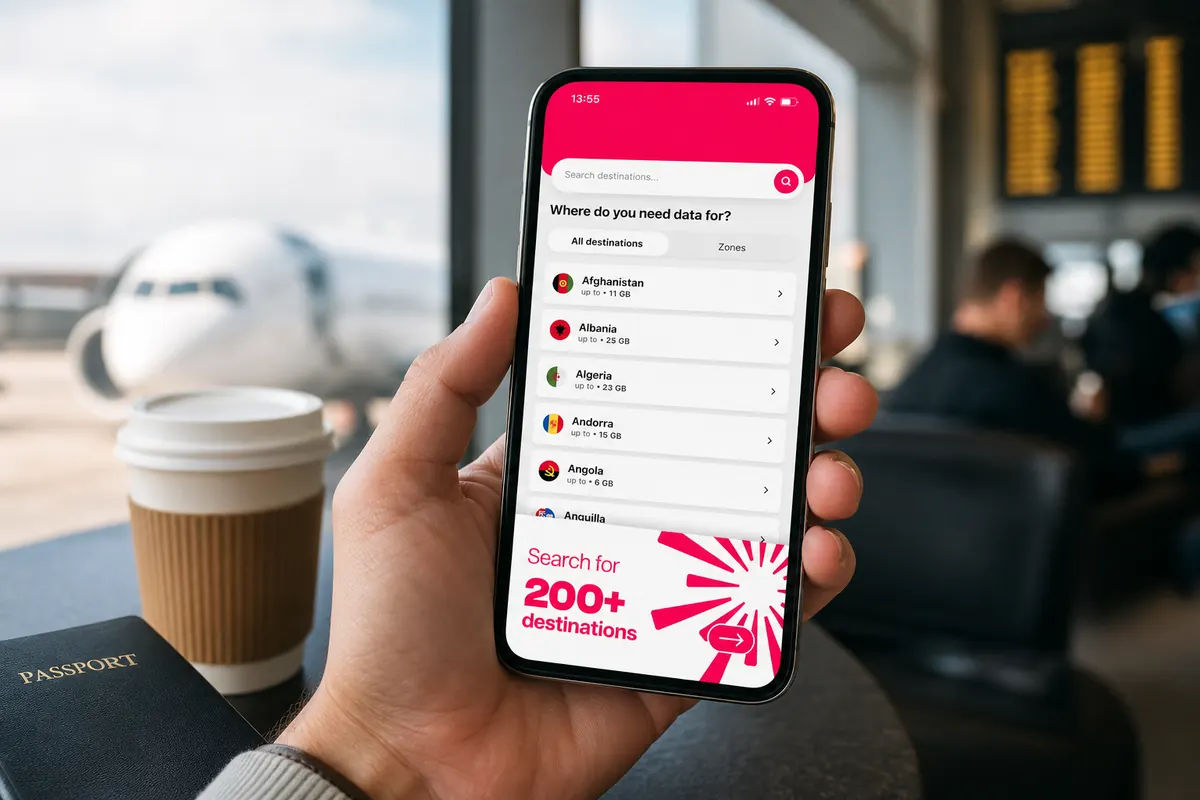
GoMoWorld operates strictly as a data-only service. You keep your home number active for calls and SMS. The installation happens 100% via the GoMoWorld app. There are no QR codes to scan. You do not need a second device to display a code.
How GoMoWorld Works
- Download the GoMoWorld app (iOS or Android).
- Choose your destination and data plan.
- Install the eSIM directly through the app interface.
- Tap "Start" in the app when you want your data to begin.
Total Control Over Activation
GoMoWorld plans do not activate automatically when you land. You control the exact moment your plan starts. This prevents accidental data usage.
The plans never expire until you press "Start". You can buy your plan three months before your trip. It sits safely in your app until you need it.
Transparent Prepay Pricing
GoMoWorld uses a strict prepay system. There are no overage fees. When you consume your data limit, the connection stops. You never receive a surprise bill. If you need more data, you simply open the app and buy another plan.
The hotspot feature comes included on all plans. You can share your data with your laptop, tablet, or travel companion without paying extra fees.
Fixed Pricing Structure
GoMoWorld offers three fixed durations with data volumes tailored to the specific destination network.
- 7 days → €3.99 (3GB)
- 15 days → €10.99 (10GB)
- 30 days → €19.99 (25GB)
You get exactly what you pay for. Connect your devices securely and navigate your complex itinerary without financial stress. Get your GoMoWorld eSIM →
Troubleshooting Common Connectivity Issues
Even with the right plan, smartphones sometimes struggle to connect to foreign networks. Follow these specific steps to force a connection.
Phone Stuck in SOS Mode
If your phone displays "SOS" or "No Service" after activating your eSIM:
- Turn on Airplane Mode. Wait 30 seconds. Turn it off. This forces the phone to search for new cell towers.
- Check your phone settings. Ensure the GoMoWorld eSIM is selected as the active line for Mobile Data.
- Restart your phone completely. A hard reboot clears network cache errors.
Slow Data Speeds (3G or Edge)
If you connect but speeds are painfully slow:
- Ensure your phone supports the local 4G/5G frequency bands. Older phones lack hardware support for certain international bands.
- Manually select a network. Go to Settings > Cellular > Network Selection. Turn off "Automatic". Your phone will scan for all available networks. Choose a different local carrier from the list.
- Move locations. Thick concrete walls or rural areas limit signal strength.
Cannot Share Internet (Hotspot Fails)
If your laptop cannot connect to your phone's hotspot:
- Verify the hotspot is turned on in your phone settings and linked to the GoMoWorld eSIM.
- Change the hotspot password. Sometimes devices cache old credentials and fail to connect.
- Turn on "Maximize Compatibility" (iPhone) or switch from 5GHz to 2.4GHz (Android). Older laptops struggle to see 5GHz hotspot signals.
Planning Connectivity for Multi-Country Trips
When crossing borders frequently, your phone must adapt fast.
If your itinerary covers several countries within a single region (like Europe or North America), check the destination coverage in the GoMoWorld app.
When you cross a physical border, your phone loses signal from the departing country. It takes a few minutes to register on the new country's network. Do not panic if you see "No Service" for five minutes while sitting on a cross-border train.
Leave your phone's network selection on "Automatic" during transit. The device will negotiate the handoff between cell towers automatically. Only switch to manual network selection if the phone fails to connect after 15 minutes in the new country.
The Reality of Wi-Fi Calling
Many travelers attempt to use Wi-Fi Calling to avoid voice roaming fees. Wi-Fi Calling routes your standard phone number over an internet connection instead of a cell tower.
This works perfectly when connected to a stable hotel Wi-Fi network. However, attempting to use Wi-Fi Calling over a cellular data hotspot or a weak public network often results in dropped calls.
If you must make a voice call, use data-based apps. WhatsApp, FaceTime Audio, Signal, and Telegram use very little data. A 10-minute FaceTime Audio call consumes less than 15MB. These apps provide superior audio quality compared to traditional cellular voice calls, especially when communicating across continents.
By relying entirely on data for communication, navigation, and work, you simplify your travel setup. You eliminate the variables that cause bill shock. You secure your digital footprint.
Related guides
Every kind of trip comes with its own connectivity constraints. Here are our guides to stay online, from a camper van to a tablet:
- Road trips and camper vans: internet in a camper van in Canada, in a camper van across Europe, in a converted van in New Zealand and on a US road trip
- Gear, routers and tablets: picking a 4G router in Japan, a Wi-Fi router in Italy, connecting an iPad while traveling and a tablet in Australia
FAQ
How do I get internet while traveling internationally?
You can use your home carrier's roaming plan, buy a local physical SIM card, rent a pocket Wi-Fi router, or download a travel eSIM. An eSIM offers the fastest setup directly from your phone without physical swapping.
Can I buy internet for just one month?
Yes. GoMoWorld offers a 30-day plan for €19.99 with 25GB of data. The plan operates on a prepay basis, meaning it does not auto-renew and you face no long-term contracts.
How do I avoid roaming charges abroad?
Turn off "Data Roaming" for your home SIM card in your phone settings. Do not answer incoming phone calls and do not send standard SMS messages. Use a dedicated data-only eSIM for all internet access.
Does the eSIM activate automatically when I arrive?
No. GoMoWorld plans activate manually. You must open the app and tap "Start" to begin your data session. This prevents accidental usage and gives you total control over your plan.
Can I share my eSIM data with my laptop?
Yes. The mobile hotspot feature is included in all GoMoWorld plans. You can tether your laptop or tablet to your phone's cellular connection without paying extra fees.
What happens if I run out of data?
Your internet connection stops. Because GoMoWorld uses a strict prepay system, you cannot incur overage fees. To get back online, simply open the app and purchase a new data plan.


Similar articles

Cost of Living in Thailand: Connectivity Guide

Difference Layover Stopover: Complete Connectivity Guide

Layover vs Customs Stopover: Quick Internet Solutions

Port Call China: How to Get Internet in a Few Hours

Hear from our Happy Travelers
4.7
App Store

4.7
Google Play Store

March 5, 2026
Trustworthy and cheap
A trustworthy and economic way of being in contact with home when travelling


February 27, 2026
Excellent esim
Easy to use. Used in many countries and will continue to use gomoworld


February 26, 2026
Best eSIM prices
Excellent price and good network coverage. Used it for my trips to Turkey and Russia, I faced no issues at all. Recommend!


February 10, 2026
Great eSIM service
I use their esim and I have used them all over India, Colombia, Nicaragua and the US and have not had problems with connection, except high in the mountains where no one has it.

February 7, 2026
Works flawlessly from 1st second
Installing and activating is straightforward, testing the system with a free trial in Switzerland worked fine Connection throughout the Gambia was perfect Renewal after expiration was easy, cheap and quick.


January 25, 2026
Really good data plans withs reasonable prices
GoMoWorld offered the best value out of all the options I considered. The app experience was also superior to other services I’ve tried. There was no ID verification requirement. Payment and setup was super easy. It guides you step by step how to install the eSIM and tells you the recommended settings. I would recommend to anyone looking for lots of data with really competitive prices.

What is an eSIM?
We’ll Explain Everything.
A simple, digital solution for staying connected wherever you Go.

Say Goodbye to Physical SIM Cards
No need to handle a physical SIM card (or risk losing yours)—everything is digital with an eSIM.

Quick and Easy Activation.
Download your GoMoWorld eSIM from our app and get connected in minutes. All our plans start at just €3.99, with no subscriptions or hidden fees.

Perfect for Travelers
Keep your regular SIM active for calls and texts while using GoMoWorld for data. You can have both your primary SIM and eSIM active simultaneously, or two eSIMs.


from
€3.99

Still thinking about it?
Download the app and enjoy a risk-free Trial. Experience GoMoWorld travel eSIM now!