

Cruise Internet: Onboard Wi-Fi or eSIM During Port Calls?

Simon Muller
Posted on May 26, 2026
Cruise Internet: Onboard Wi-Fi or eSIM During Port Calls?
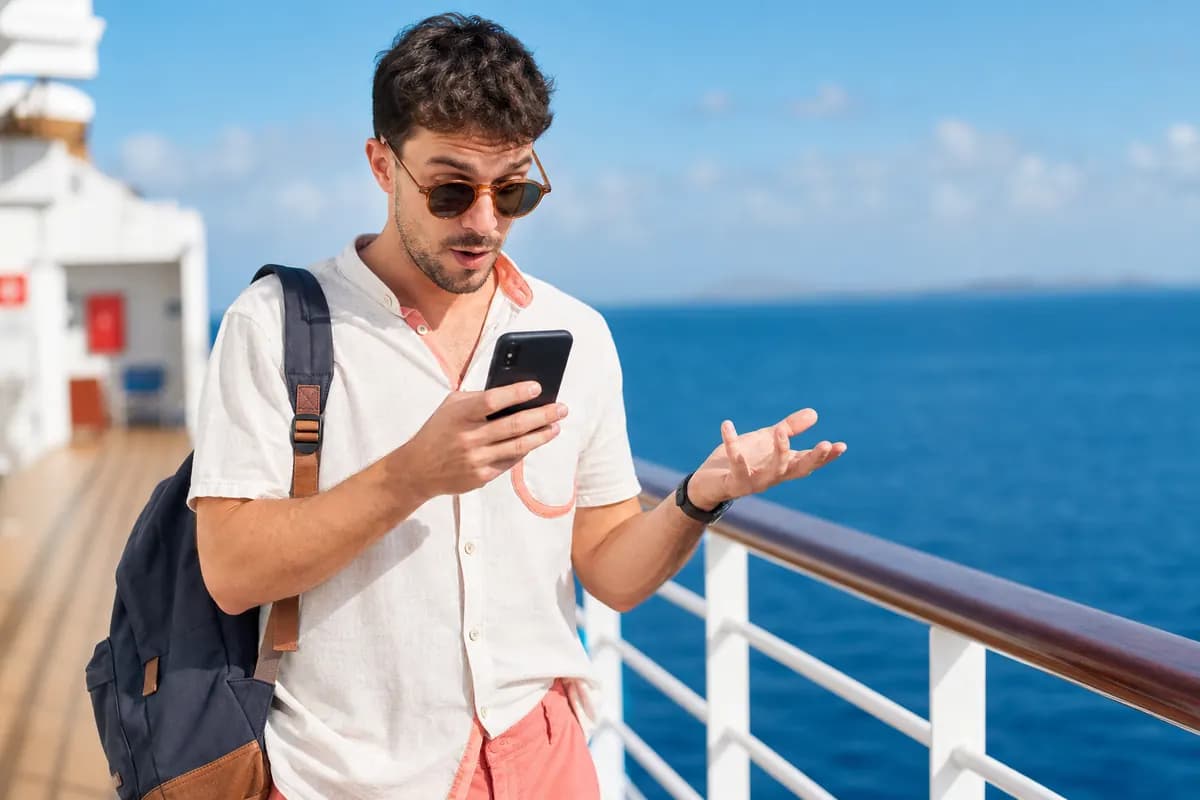
You board a ship for a 10-day cruise. You leave your phone on. The ship leaves the port. Your phone loses the land signal. It connects to the maritime network. Three weeks later, a $500 roaming bill arrives.
Maritime roaming is a financial trap. Carriers charge exorbitant rates for data at sea.
You have two main options to avoid this. You can buy the ship's Wi-Fi package. Or you can use a GoMoWorld eSIM during your port calls.
Ship Wi-Fi is expensive and often slow. Port call connectivity is fast and cheap. You just need the right strategy.
This guide breaks down the costs. You will learn how to manage your data port by port. You will keep your money for excursions, not for megabytes.
Onboard Cruise Wi-Fi: Prices and Limits

Almost all cruise lines offer onboard Wi-Fi. They use satellite connections like Starlink. The technology is improving. The pricing remains very high.
Cruise lines sell internet in tiers. You pay per day or per voyage.
A basic "Social" package only allows texting. You cannot send videos. You cannot browse websites. This costs around €10 to €15 per day.
A "Surfer" or "Premium" package allows web browsing. You can check emails and read news. This costs around €20 per day.
A "Stream" package allows video streaming. Royal Caribbean calls this VOOM Surf + Stream. MSC and Costa offer similar high-tier plans. These cost between €25 and €35 per day.
The Hidden Costs of Ship Wi-Fi
You pay for the internet even when you sleep. You pay for it when you are off the ship.
If you take a 7-day cruise, a premium Wi-Fi package costs over €150. You might only spend three full days at sea. The rest of the time, you are at port.
You do not need satellite internet at port. Local cellular networks are faster. They are also much cheaper.
The Maritime Roaming Trap
Do not confuse onboard Wi-Fi with cellular roaming.
When you turn off airplane mode at sea, your phone connects to "Cellular at Sea". This is a satellite cellular network.
Your home carrier controls these rates. AT&T, Verizon, and T-Mobile charge extreme maritime rates. You might pay $2.05 per megabyte.
Opening a single webpage can cost $10. Downloading an app update can cost $100.
You must keep airplane mode on while the ship is moving. This is the only way to block maritime roaming.
The Real Question: Do You Need Internet at Sea?
Look at your cruise itinerary. Count the actual sea days.
A typical 7-day Mediterranean cruise has one sea day. A 7-day Caribbean cruise might have two sea days.
You spend most of your waking hours exploring ports. You take excursions. You walk around local towns. You eat at local restaurants.
Do you really need constant internet while sitting by the ship's pool? Many travelers prefer a digital detox at sea.
You can download movies to your tablet before you leave home. You can download offline maps. You can sync your reading apps.
You save the heavy internet usage for the port calls.
This approach requires planning. A multi-destination trip requires a solid connectivity strategy. You can read our complex travel internet for broader travel tips.
For a cruise, the logic is simple. You disconnect at sea. You reconnect at port. You save hundreds of euros.
The Solution: GoMoWorld eSIM for Port Calls
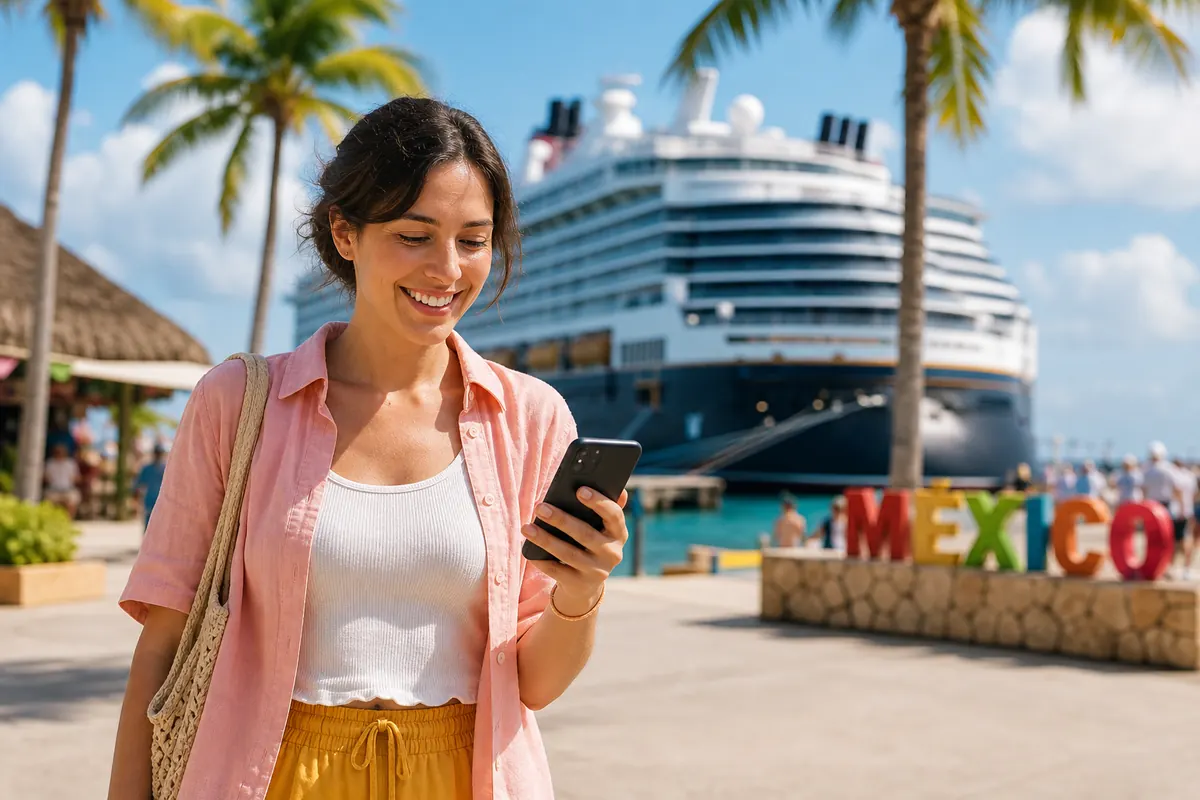
You step off the ship in Mexico. You need Google Maps. You want to check WhatsApp. You need to find a local restaurant.
You do not need to hunt for a local café with free Wi-Fi. You do not need to buy a physical SIM card at the port terminal.
A GoMoWorld eSIM gives you instant data.
GoMoWorld is a data-only eSIM service. It provides 4G and 5G data worldwide. You keep your home number active for calls and SMS. You use GoMoWorld exclusively for data.
Transparent Pricing
GoMoWorld uses a strict prepay system. There are no overage fees. You cannot spend more than the plan price.
Pricing is fixed into three simple durations. The data volume varies by destination. For many popular cruise stops, the rates are:
- 3GB for 7 days → €3.99
- 10GB for 15 days → €10.99
- 25GB for 30 days → €19.99
You pay €10.99 for 15 days of access. A cruise line charges €15 for a single day of slow Wi-Fi. The math is highly favorable.
App-Only Installation
GoMoWorld keeps things simple. You install the eSIM entirely through the GoMoWorld app.
There is no QR code to scan. You do not need a second screen to display a code. You do not need to print anything.
You download the app on iOS or Android. You select your destination. You buy the plan. The app installs the eSIM directly into your phone settings.
Manual Activation
This is a critical feature for cruisers. GoMoWorld plans do not auto-activate.
You buy your plan at home using your home Wi-Fi. The plan sits in your app. It never expires until you activate it.
You board the ship. You travel for two days. You arrive at your first port.
You open the GoMoWorld app. You tap "Start". Your 7-day or 15-day timer begins right at that exact moment. You control the billing cycle.
This manual control makes it the perfect port call internet solution for foreign countries. You only start the plan when you actually need the data.
Comparison Table: Onboard Wi-Fi vs eSIM During Port Calls
| Provider | Service Type | Estimated Cost | Data Limit | Speed |
|---|---|---|---|---|
| Costa Cruises | Full Internet Package | ~€15 - €25 / day | Unlimited | Moderate (Satellite) |
| MSC Cruises | Browse & Stream | ~€20 - €30 / day | Unlimited | Moderate (Satellite) |
| Royal Caribbean | VOOM Surf + Stream | ~€25 - €35 / day | Unlimited | Moderate (Starlink) |
| Home Carrier | Maritime Roaming | ~$2.05 / MB | Pay per use | Slow (Cellular at Sea) |
| GoMoWorld eSIM | Port Call Data Only | €10.99 for 15 days | 10GB | Fast (Local 4G/5G) |
Analyzing the Data
The table reveals a stark contrast. Onboard Wi-Fi demands a high daily commitment. You pay for convenience.
Maritime roaming is simply a hazard to avoid.
The GoMoWorld eSIM offers a massive price drop. You trade constant sea connectivity for high-speed port connectivity.
You get 10GB of data for €10.99. This is enough to navigate, translate, and upload photos at every port call for a two-week cruise.
If you run out of data, you just open the app. You buy another plan. There are no surprise fees.
Practical Guide: Planning Your Connection Port by Port
Managing your connectivity on a cruise requires a few specific steps. You must prepare your phone before the ship leaves the dock.
Follow this exact sequence to guarantee cheap, fast internet at every stop.
Step 1: Preparation at Home
Do this before you leave for your vacation. Use your fast home Wi-Fi.
- Download the GoMoWorld app.
- Check the destinations on your cruise itinerary.
- Buy the GoMoWorld plan for your primary destination.
- Install the eSIM via the app prompts.
- Do NOT tap "Start" yet.
Step 2: Boarding the Ship
You arrive at the cruise terminal. You are about to board.
- Go to your phone settings.
- Turn off Data Roaming on your primary home SIM.
- Turn on Airplane Mode.
- Keep Airplane Mode on.
You will leave Airplane Mode on for the entire time the ship is moving. This blocks the expensive "Cellular at Sea" network.
Step 3: Arriving at the Port
The ship docks. You are ready to explore the local area.
- Turn off Airplane Mode.
- Open the GoMoWorld app.
- Tap "Start" on your purchased plan.
- Ensure your phone settings use the GoMoWorld eSIM for cellular data.
- Enjoy fast 4G/5G local internet.
Step 4: Leaving the Port
You return to the ship. The ship prepares to depart.
- Turn Airplane Mode back on.
- Leave it on until the next port.
Your GoMoWorld plan remains active in the background. The 7-day or 15-day timer keeps running. You just reconnect instantly at the next port.
Managing Multiple Countries
Cruises often visit multiple countries. You might stop in Mexico, Honduras, and Belize.
Check the GoMoWorld app for regional coverage. Many plans cover multiple countries within a region.
If a port is not covered by a regional plan, buy a specific single-country plan.
You can hold multiple unactivated plans in the GoMoWorld app.
Buy a plan for Mexico. Buy a plan for Honduras. Tap "Start" on the Mexico plan when you dock in Cozumel. Tap "Start" on the Honduras plan when you dock in Roatán.
You maintain total control over your spending.
Working from a Cruise Ship
Some travelers work while cruising. This requires serious bandwidth.
Ship Wi-Fi struggles with heavy video calls. It struggles with large file uploads.
Digital nomads use port days for heavy lifting. You can read about the digital nomad traveling practices for more details.
A GoMoWorld eSIM includes hotspot functionality on all plans.
You dock at the port. You activate your 25GB GoMoWorld plan for €19.99. You turn on your phone's personal hotspot. You connect your laptop.
You get a secure, fast 5G connection. You upload your large video files. You host your Zoom meetings without lag.
You finish your work in two hours. You spend the rest of the day enjoying the port. You save the €35 daily ship Wi-Fi fee.
Troubleshooting Port Connections
Sometimes a phone struggles to find the local network after leaving airplane mode.
If you see "No Service" or "SOS" at the port:
- Check that the GoMoWorld eSIM is set as the active data line.
- Check that Data Roaming is ON for the GoMoWorld eSIM.
- Toggle Airplane Mode on and off again. Wait 30 seconds.
- Restart your phone entirely.
The local network will connect. You will have full access to your data allowance.
Keeping Your Home Number Active
GoMoWorld is a data-only service. It does not provide a new phone number. It does not include standard voice calls or SMS.
This is an advantage. You keep your home number.
You can receive SMS messages (like bank verification codes) on your home SIM. Receiving an SMS is usually free worldwide.
Just ensure Data Roaming is strictly OFF for your home SIM.
Use WhatsApp, FaceTime, or Messenger over the GoMoWorld data connection to make voice and video calls. You bypass traditional cellular voice rates completely.
Related guides
Every cruise line and route is different. Here are our guides to staying online at sea without a shocking bill:
- By destination: cruise internet in the Caribbean, on a Norway cruise and across the Mediterranean
- By cruise line: onboard Wi-Fi on Costa, on MSC ships and on Royal Caribbean
- Making the right call: ship Wi-Fi vs. land 4G, making calls from a cruise and avoiding costly maritime networks
FAQ
How to get internet on a cruise?
You can buy the ship's satellite Wi-Fi package for €15 to €35 per day. Alternatively, you can use a GoMoWorld eSIM to connect to fast, cheap local networks during port calls. You keep airplane mode on at sea to avoid roaming charges.
Do you get cell signal on a cruise ship?
Yes, but it connects to a maritime satellite network called "Cellular at Sea". This is extremely expensive and can cost over $2 per megabyte. Always keep airplane mode on while the ship is moving to block these charges.
What is the best eSIM for cruises?
GoMoWorld is highly effective for cruise port calls. You install it via the app with no QR code. You buy a plan like 10GB for €10.99. You manually tap "Start" when you dock, giving you total control over your data and budget.
How to use your phone on a cruise?
Keep your phone in airplane mode while sailing. Download offline maps and media before you leave. When you arrive at a port, turn off airplane mode, activate your GoMoWorld eSIM, and use local 4G/5G data for navigation and communication.


Similar articles

Cost of Living in Thailand: Connectivity Guide
Difference Layover Stopover: Complete Connectivity Guide
Layover vs Customs Stopover: Quick Internet Solutions

Port Call China: How to Get Internet in a Few Hours

Hear from our Happy Travelers
4.7
App Store

4.7
Google Play Store

March 5, 2026
Trustworthy and cheap
A trustworthy and economic way of being in contact with home when travelling


February 27, 2026
Excellent esim
Easy to use. Used in many countries and will continue to use gomoworld


February 26, 2026
Best eSIM prices
Excellent price and good network coverage. Used it for my trips to Turkey and Russia, I faced no issues at all. Recommend!


February 10, 2026
Great eSIM service
I use their esim and I have used them all over India, Colombia, Nicaragua and the US and have not had problems with connection, except high in the mountains where no one has it.

February 7, 2026
Works flawlessly from 1st second
Installing and activating is straightforward, testing the system with a free trial in Switzerland worked fine Connection throughout the Gambia was perfect Renewal after expiration was easy, cheap and quick.


January 25, 2026
Really good data plans withs reasonable prices
GoMoWorld offered the best value out of all the options I considered. The app experience was also superior to other services I’ve tried. There was no ID verification requirement. Payment and setup was super easy. It guides you step by step how to install the eSIM and tells you the recommended settings. I would recommend to anyone looking for lots of data with really competitive prices.

What is an eSIM?
We’ll Explain Everything.
A simple, digital solution for staying connected wherever you Go.

Say Goodbye to Physical SIM Cards
No need to handle a physical SIM card (or risk losing yours)—everything is digital with an eSIM.

Quick and Easy Activation.
Download your GoMoWorld eSIM from our app and get connected in minutes. All our plans start at just €3.99, with no subscriptions or hidden fees.

Perfect for Travelers
Keep your regular SIM active for calls and texts while using GoMoWorld for data. You can have both your primary SIM and eSIM active simultaneously, or two eSIMs.


from
€3.99

Still thinking about it?
Download the app and enjoy a risk-free Trial. Experience GoMoWorld travel eSIM now!