

How to Avoid Maritime Networks: Complete Connectivity Guide

Simon Muller
Posted on May 26, 2026

How to Avoid Maritime Networks: Complete Connectivity Guide
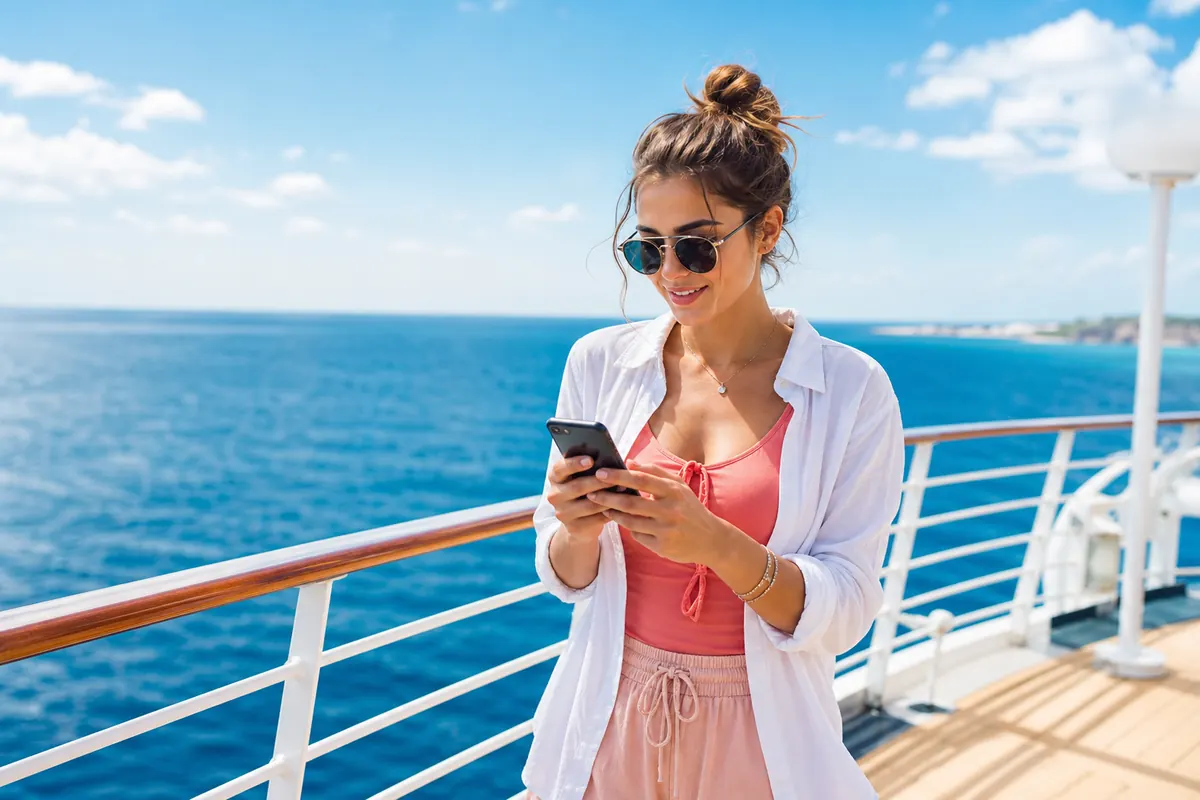
You sit on the deck of a cruise ship. The coast disappears. Your phone loses its standard 4G signal. You think nothing of it and keep your phone in your pocket. Three weeks later, your carrier sends a bill for $400.
This happens every single day. When your phone loses land signal, it searches for the next available tower. On a ship, that tower is a satellite connection known as a maritime network. Carriers charge massive fees for this specific data.
You need to block these connections immediately. You also need a solid plan for when you reach the port. This guide shows you exactly how to cut off maritime networks and keep your data costs at zero while at sea.
Context and Risks of Maritime Roaming
Maritime roaming triggers automatically. You do not get a warning prompt. Your device simply switches from terrestrial towers to the ship’s internal cellular network.
This network uses a satellite link. Satellite data costs carriers a lot of money. They pass that cost directly to you with massive markups. A single megabyte can cost up to $20. Downloading one email attachment can trigger a $50 charge.
Many travelers assume their international daily pass covers cruise ships. It does not. AT&T International Day Pass and Verizon TravelPass apply strictly to land destinations. They exclude maritime networks entirely.
The moment your ship leaves the port, the financial risk begins. Your apps run continuously in the background. They refresh emails, update weather widgets, and download notifications. Every single byte of background data hits the maritime network and adds to your bill.
Background Data: The Silent Threat
You do not even need to touch your phone to incur charges. Background data is the main culprit for high maritime bills.
Cloud backups run silently. If you take a photo on the deck, your phone might try to upload it to iCloud or Google Photos. A 5MB photo upload on a maritime network can cost $100.
Software updates also trigger automatically. A minor app update can consume 50MB. This alone can result in hundreds of dollars in fees before you even realize the phone is connected.
You must take control of your device settings before the ship departs. Relying on automatic settings guarantees a high bill. You need strict rules for your long-term travel internet setup. Turn off the connection at sea. Connect only when you reach land.
How to Prepare Your Phone Before Boarding
Take these steps while you are still on land. Do not wait until the ship leaves the dock.
- Turn off Wi-Fi Assist (iOS) or Adaptive Wi-Fi (Android). This stops your phone from using cellular data when the Wi-Fi is slow.
- Disable automatic app updates in your app store settings.
- Pause cloud syncing for photos and large files.
- Download your offline maps for your upcoming port calls.
- Set up your travel data plan for your port destinations while you still have a stable home connection.
Available Options to Stay Connected
You have several ways to handle connectivity on a cruise. None of them involve leaving your regular cellular data active.
1. Airplane Mode Turn on Airplane Mode the moment you board. This shuts off all cellular radios. It guarantees your phone cannot connect to the maritime network. You can still manually turn on Wi-Fi and Bluetooth. This is the safest method to avoid surprise charges.
2. Manual Network Selection Smartphones default to automatic network selection. You must change this setting. On iPhone: Go to Settings > Cellular > Network Selection. Toggle off "Automatic". Choose your home carrier. On Android: Go to Settings > Connections > Mobile Networks > Network Operators. Turn off "Select automatically". If the phone loses your home carrier, it will not connect to the ship's network. It simply shows "No Service".
3. Cruise Ship Wi-Fi Packages Most modern cruise lines offer onboard Wi-Fi. You pay a flat daily rate. It connects via satellite, but the cost is fixed. You face zero overage fees. When deciding between cruise Wi-Fi and an eSIM, remember the rule: Wi-Fi works at sea, while an eSIM works at the port.
4. Travel eSIM for Port Calls When the ship docks, you need land data. Ship Wi-Fi cuts out when thousands of passengers disembark. A travel data plan gives you fast 4G/5G on land. Using a multi-destination eSIM is the smartest strategy. You buy a plan for your destination region. You activate it when you step off the ship.
Comparison Table
Compare the costs and features of your connectivity options during a cruise and port calls.
| Connection Type | Where It Works | Estimated Price | Risk of Surprise Bill |
|---|---|---|---|
| Maritime Roaming (AT&T/Verizon) | At sea | $20+ per MB | Very High |
| Cruise Ship Wi-Fi | At sea | $15 - $25/day | None |
| Carrier Daily Pass | On land (Port) | ~$15/day | Medium |
| GoMoWorld eSIM | On land (Port) | €10.99 for 15 days (10GB) | None |

Our Recommendation
Turn on Airplane Mode while at sea. Buy a Wi-Fi package from the cruise line if you must work. When you dock, use a GoMoWorld eSIM → for your port call connection.
GoMoWorld solves the port connectivity problem instantly. You download the app. You choose your destination. You buy your plan.
There is no QR code to scan. The installation happens entirely within the GoMoWorld app.
You maintain full control. GoMoWorld plans never activate automatically. You tap "Start" in the app when you walk down the gangway. If you buy a plan today, it never expires until you activate it.
GoMoWorld is a data-only service. You keep your regular SIM active for calls and texts over Wi-Fi, while GoMoWorld handles the heavy data lifting.
Every GoMoWorld plan includes hotspot tethering. You can share your connection with your family. You get a massive data allowance tailored to your destination. For €10.99, you get 10GB for 15 days. No hidden fees. No overage charges. When the data runs out, you simply buy another plan.
Managing Pre-Cruise Flights and Layovers
Cruises often involve flights. You might have a layover before reaching your departure port. Understanding the difference between a layover and a stopover helps you plan your data needs.
A layover is short. A stopover lasts longer. In both cases, airport Wi-Fi is unreliable and insecure. A digital nomad internet setup requires a stable connection at all times.
You can use GoMoWorld during your transit. If you have a short stop, you might need to clear customs during a layover in a transit country. Buy a €3.99 plan for 7 days with 3GB of data. Activate it when you land.
You get an immediate connection to check emails or book an Uber. When you reach your final cruise port in Asia, you might wonder about the cost of living in Thailand connectivity costs. GoMoWorld keeps those costs low. If your cruise takes you further and you need internet during a layover in China, the process remains exactly the same.
This modular approach keeps you connected everywhere except the open ocean.
FAQ
Why did my phone connect to a maritime network automatically?
Smartphones are designed to seek out the strongest available cellular signal. When you lose terrestrial towers, the ship’s satellite network becomes the only available signal. Unless you restrict network selection manually, your phone connects to it instantly.
How do I block maritime roaming charges?
The most effective method is to turn on Airplane Mode. Alternatively, you can go into your phone settings and switch your network selection from "Automatic" to "Manual". This forces your phone to ignore the ship's network.
Can I use my daily roaming pass on a cruise ship?
No. Standard international daily passes from carriers like AT&T or Verizon apply only to land-based cellular networks. They explicitly exclude maritime and aeronautical satellite networks.
Does GoMoWorld work while the ship is at sea?
No. GoMoWorld provides data via terrestrial cellular networks. It works perfectly when you are docked at a port or visiting a coastal city, but it will not connect to a ship's satellite network.
How do I install a GoMoWorld eSIM for my port calls?
You install it directly through the GoMoWorld app. There is no QR code to scan. You simply buy the plan, follow the in-app prompts to install the eSIM, and tap "Start" when you reach the port.


Similar articles

Cost of Living in Thailand: Connectivity Guide
Difference Layover Stopover: Complete Connectivity Guide

Layover vs Customs Stopover: Quick Internet Solutions

Port Call China: How to Get Internet in a Few Hours

Hear from our Happy Travelers
4.7
App Store

4.7
Google Play Store

March 5, 2026
Trustworthy and cheap
A trustworthy and economic way of being in contact with home when travelling


February 27, 2026
Excellent esim
Easy to use. Used in many countries and will continue to use gomoworld


February 26, 2026
Best eSIM prices
Excellent price and good network coverage. Used it for my trips to Turkey and Russia, I faced no issues at all. Recommend!


February 10, 2026
Great eSIM service
I use their esim and I have used them all over India, Colombia, Nicaragua and the US and have not had problems with connection, except high in the mountains where no one has it.

February 7, 2026
Works flawlessly from 1st second
Installing and activating is straightforward, testing the system with a free trial in Switzerland worked fine Connection throughout the Gambia was perfect Renewal after expiration was easy, cheap and quick.


January 25, 2026
Really good data plans withs reasonable prices
GoMoWorld offered the best value out of all the options I considered. The app experience was also superior to other services I’ve tried. There was no ID verification requirement. Payment and setup was super easy. It guides you step by step how to install the eSIM and tells you the recommended settings. I would recommend to anyone looking for lots of data with really competitive prices.

What is an eSIM?
We’ll Explain Everything.
A simple, digital solution for staying connected wherever you Go.

Say Goodbye to Physical SIM Cards
No need to handle a physical SIM card (or risk losing yours)—everything is digital with an eSIM.

Quick and Easy Activation.
Download your GoMoWorld eSIM from our app and get connected in minutes. All our plans start at just €3.99, with no subscriptions or hidden fees.

Perfect for Travelers
Keep your regular SIM active for calls and texts while using GoMoWorld for data. You can have both your primary SIM and eSIM active simultaneously, or two eSIMs.


from
€3.99

Still thinking about it?
Download the app and enjoy a risk-free Trial. Experience GoMoWorld travel eSIM now!