

Hotel WiFi Data Security While Traveling

Simon Muller
Posted on September 14, 2026
Hotel WiFi Data Security While Traveling
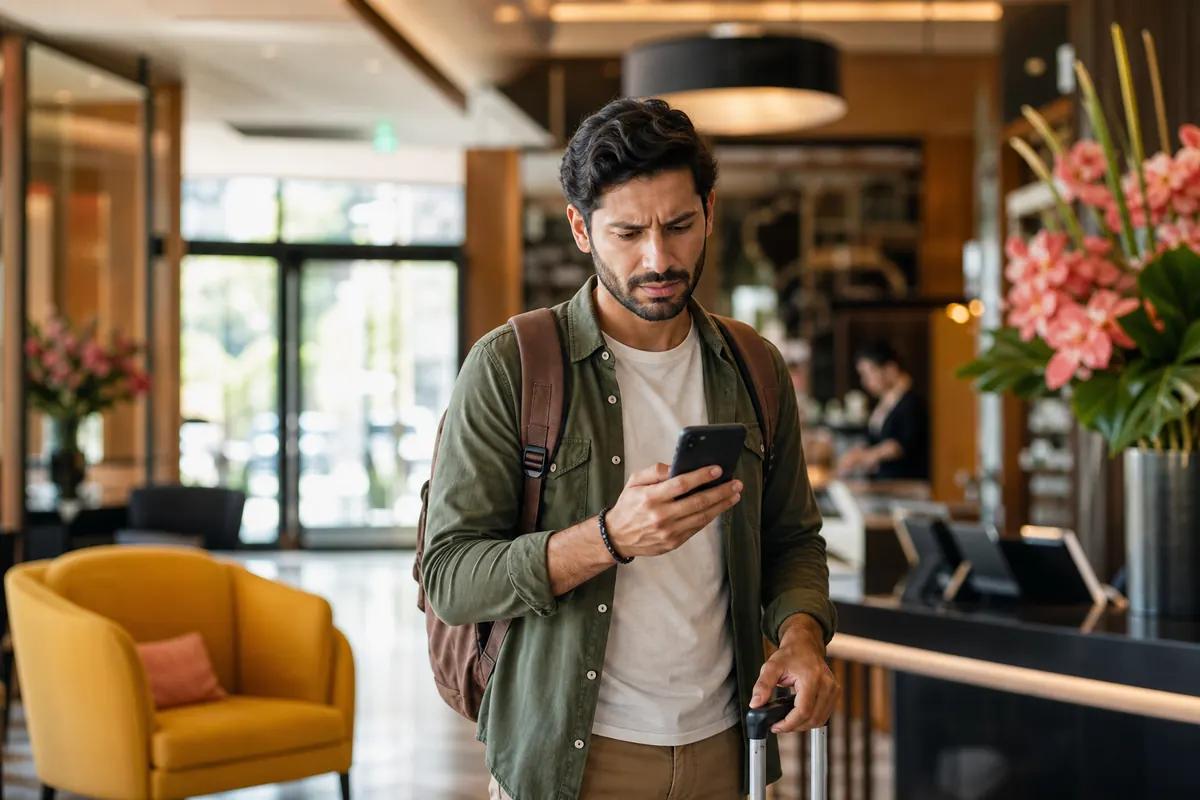
You land after a ten-hour flight. The seatbelt sign turns off. You disable airplane mode to message your family. Instantly, your home carrier sends an SMS: roaming data costs $15 per day. You immediately toggle off cellular data. You decide to wait until you reach your accommodation to use the free internet.
You arrive at your room, connect to the open network, and log into your bank app to check your travel budget.
This is a massive security risk. Public networks expose your device to data theft.
To avoid roaming bills and unsecured networks, you need a dedicated mobile data plan. See our full travel SIM guide for the safest setup. GoMoWorld gives you a secure cellular connection. You get 10GB for 15 days at €10.99. You install the app before you fly, activate your plan when you land, and keep your data safe.
The traveler's connection problem abroad
Travelers face two major issues abroad: outrageous carrier fees and unsecured public networks.
Carriers like AT&T, Verizon, or T-Mobile charge up to $15 per day for international travel passes. A 15-day vacation costs you $225. If you travel with a partner, that bill doubles to $450. You pay this simply to use Google Maps, translate menus, and send WhatsApp messages.
To avoid these fees, many travelers rely entirely on public internet. You check into your room and connect to the lobby network. You think you are safe.
Hotel Wi-Fi security is notoriously weak. Hackers target these networks because hundreds of guests connect daily. They set up rogue access points. They name their fake network "Hotel Guest Free". You connect to it. The hacker now intercepts your unencrypted traffic. They capture your passwords, read your emails, and steal your credit card numbers.
If you are looking to keep two-factor authentication working while traveling abroad, relying on open networks is the most dangerous approach.
A cellular connection encrypts your data by default. It routes your traffic through secure telecom towers. An eSIM provides that secure connection without the daily roaming fees. You get the safety of a private network for a fraction of the cost.
Available solutions and their real costs

You have four main options to get online abroad. Each comes with specific costs, security levels, and trade-offs.
1. International Roaming Plans Your home carrier offers a daily pass. You pay a flat rate, usually around $15 per day outside your home country. It works immediately. The downside is the massive cost. A 30-day trip costs $450. You receive the bill three weeks after you return home.
2. Local Physical SIM Cards You buy a prepaid plastic SIM card at the airport arrivals hall. You pay around $35 for a tourist package. The downsides are numerous. You must remove your home SIM card. You risk losing that tiny piece of plastic. You lose access to your home phone number. You miss important SMS alerts, like two-factor authentication codes from your bank. You also waste an hour comparing kiosks after a long flight, dealing with language barriers and passport registrations.
3. Pocket Wi-Fi Devices You rent a portable router from an airport counter. Prices range from $10 to $15 per day. You get a secure connection for multiple devices. However, you must carry an extra device everywhere. You have to charge it every night. If the battery dies at 3 PM, you lose your connection. You also face penalty fees of $100 or more if you lose or damage the hardware. You must wait in line to return the device before your flight home.
4. Travel eSIMs You download a digital SIM card directly to your phone. You keep your physical SIM active for calls and texts. You buy a prepaid data plan. You connect directly to local cellular towers. This is the best internet for working holiday travelers who need reliable, secure data from day one without hardware hassles.
Comparison table: Local SIM vs pocket WiFi vs GoMoWorld eSIM
Let's compare the real costs for a 15-day trip.
| Carrier / Solution | Roaming Plan | Estimated Price | Pros | Cons |
|---|---|---|---|---|
| AT&T / Verizon | International Day Pass | ~$225 ($15/day) | Keep your number | Extremely expensive |
| Pocket Wi-Fi | Hardware Rental | ~$150 ($10/day) | Shareable connection | Extra device to charge |
| Local Kiosk | Tourist SIM | ~$35 | Local number | Lose your home number |
| GoMoWorld eSIM | 15 days (10GB) | €10.99 | Keep home number, secure | Data-only (no calls/SMS) |
GoMoWorld bypasses the hardware completely. You get a secure connection tailored to your destination. You never swap physical cards. You never wait in line at a kiosk.
Our recommendation for a traveler abroad
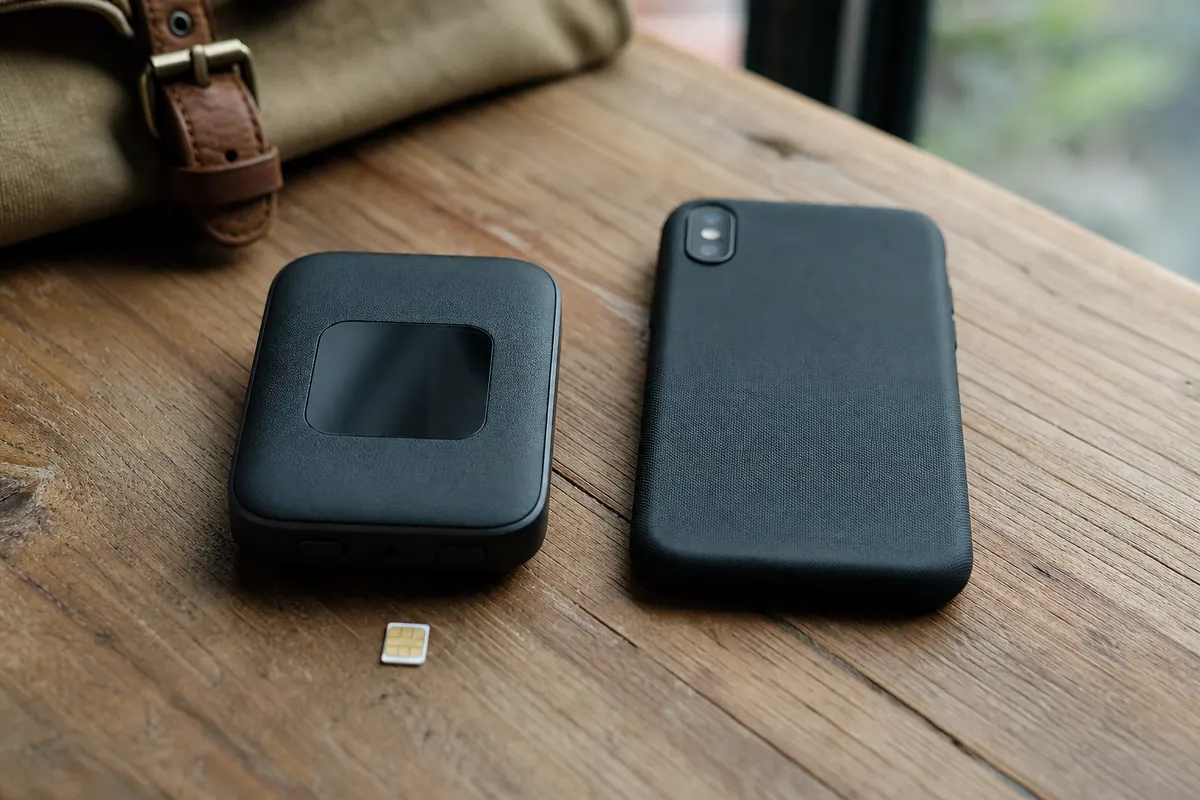
We recommend a data-only eSIM. It solves the security issue of hotel networks and the pricing issue of daily roaming passes.
GoMoWorld provides a transparent prepaid structure. You pay once. You never face hidden fees. You never receive surprise overage charges. When your data runs out, the connection stops.
The pricing is fixed across three durations. The data volume varies by destination:
- 7 days (3GB) → €3.99
- 15 days (10GB) → €10.99
- 30 days (25GB) → €19.99
You keep your home line active. You can still receive SMS and calls on your primary number. You route all your internet traffic through the GoMoWorld eSIM.
Every GoMoWorld plan includes mobile hotspot capabilities. You can share your secure cellular connection with your laptop or tablet. This means you bypass the hotel network entirely. You work securely from your room without risking your data. If you are looking for the internet for a student in Germany, this hotspot feature is mandatory for studying on the go.
Planning a trip to London? You need the internet for travelers in the UK to find your way on the Tube. Heading to a music festival? You want the internet at Coachella to post videos without hunting for public Wi-Fi.
To get your secure connection today, grab a GoMoWorld eSIM →.
Practical guide: setting up and using the GoMoWorld eSIM
Forget about scanning QR codes. GoMoWorld handles the entire installation through its mobile app. It takes two minutes.
- Download the GoMoWorld app (iOS or Android).
- Choose your destination and buy your plan.
- Follow the on-screen prompts to install the eSIM directly to your device settings.
- When you land, open the app and tap "Start".
Your plan activates manually. It never auto-activates. You control exactly when your 7, 15, or 30 days begin.
Buy your plan weeks in advance. GoMoWorld plans never expire until you press that start button.
Troubleshooting your connection abroad Sometimes your phone struggles to catch the local network. If you see "SOS" or have no data, follow these steps:
- Check that roaming is enabled for your GoMoWorld line (Settings > Cellular > Roaming).
- Ensure your GoMoWorld line is selected as the primary data line.
- If SOS persists: restart your phone in airplane mode for 30 seconds.
- If still stuck: manually select a network operator in your cellular settings instead of leaving it on automatic.
FAQ
Is hotel Wi-Fi secure?
No. Hotel networks are public and lack robust security protocols. Hackers use these open networks to intercept your traffic, steal passwords, and access your banking information.
Is it safe to connect to a hotel network for work?
Connecting to a public network exposes sensitive work data to rogue access points and traffic sniffing. You should always use a cellular connection. A mobile hotspot from a travel eSIM provides a dedicated, encrypted connection for your laptop.
Why should I turn off Wi-Fi at night in a hotel?
Turning off your device's Wi-Fi prevents it from automatically connecting to open, unsecured networks while you sleep. Hackers often set up fake networks at night to capture data from devices running background updates.
How can I protect my data while traveling abroad?
Avoid open public networks entirely. Use a travel eSIM to get a secure cellular connection. You keep your data encrypted and avoid the massive fees charged by traditional carriers.
Can I share my GoMoWorld internet connection?
Yes. Every GoMoWorld plan includes mobile hotspot functionality. You can share your data with your laptop, tablet, or travel companions without paying extra fees.
What happens to my GoMoWorld plan if I don't use it right away?
GoMoWorld plans never expire until you activate them. You can buy your plan three months before your trip. The countdown only starts when you land and manually tap "Start" in the app.


Similar articles
Two-Factor Authentication While Traveling Abroad
Internet for Traveler in United Kingdom: Best Options 2026

Best Internet at Coachella for International Visitors

Internet for Student Abroad in Germany: Best Options 2026

Hear from our Happy Travelers
4.7
App Store

4.7
Google Play Store

March 5, 2026
Trustworthy and cheap
A trustworthy and economic way of being in contact with home when travelling


February 27, 2026
Excellent esim
Easy to use. Used in many countries and will continue to use gomoworld


February 26, 2026
Best eSIM prices
Excellent price and good network coverage. Used it for my trips to Turkey and Russia, I faced no issues at all. Recommend!


February 10, 2026
Great eSIM service
I use their esim and I have used them all over India, Colombia, Nicaragua and the US and have not had problems with connection, except high in the mountains where no one has it.

February 7, 2026
Works flawlessly from 1st second
Installing and activating is straightforward, testing the system with a free trial in Switzerland worked fine Connection throughout the Gambia was perfect Renewal after expiration was easy, cheap and quick.


January 25, 2026
Really good data plans withs reasonable prices
GoMoWorld offered the best value out of all the options I considered. The app experience was also superior to other services I’ve tried. There was no ID verification requirement. Payment and setup was super easy. It guides you step by step how to install the eSIM and tells you the recommended settings. I would recommend to anyone looking for lots of data with really competitive prices.

What is an eSIM?
We’ll Explain Everything.
A simple, digital solution for staying connected wherever you Go.

Say Goodbye to Physical SIM Cards
No need to handle a physical SIM card (or risk losing yours)—everything is digital with an eSIM.

Quick and Easy Activation.
Download your GoMoWorld eSIM from our app and get connected in minutes. All our plans start at just €3.99, with no subscriptions or hidden fees.

Perfect for Travelers
Keep your regular SIM active for calls and texts while using GoMoWorld for data. You can have both your primary SIM and eSIM active simultaneously, or two eSIMs.


from
€3.99

Still thinking about it?
Download the app and enjoy a risk-free Trial. Experience GoMoWorld travel eSIM now!