

Best Internet for Working Holiday Travelers

Simon Muller
Posted on May 26, 2026

Best Internet for Working Holiday Travelers
You land in a new country for a 12-month Working Holiday Visa. You turn on your phone. Your home carrier sends a text: roaming costs $15 per day. You need internet right now to book an Uber, find your hostel, and message your family. Paying $15 every single day destroys your backpacker budget before your trip even begins.
A Working Holiday Visa requires constant connectivity. You have to hunt for jobs, find an apartment, and open a local bank account. Doing this without mobile data is impossible. Relying on your home carrier leads to massive bills. To avoid this, a GoMoWorld eSIM gives you a local data connection the minute you activate it, without removing your home SIM card.
The Connectivity Problem for Working Holiday Travelers
Moving abroad for a year presents unique logistical challenges. You are not just a tourist. You are a temporary resident. Your smartphone is your lifeline for administration, navigation, and income.
The Airport Arrival Shock
The first hour in your destination sets the tone for your trip. You step off a 14-hour flight. You need to pull up your visa documents, contact your Airbnb host, and figure out the local train system. Public airport WiFi drops constantly. If you leave roaming on, carriers like AT&T or Verizon charge up to $15 for a 24-hour pass. If you stay for a year, paying daily roaming fees is financial suicide.
The Two-Factor Authentication Trap
This is the biggest mistake Working Holiday makers commit. You buy a physical local SIM card at the airport. You take out your home SIM card and put it in your wallet. Two days later, you try to log into your home bank account to transfer funds. The bank sends a security code via SMS to your home phone number.
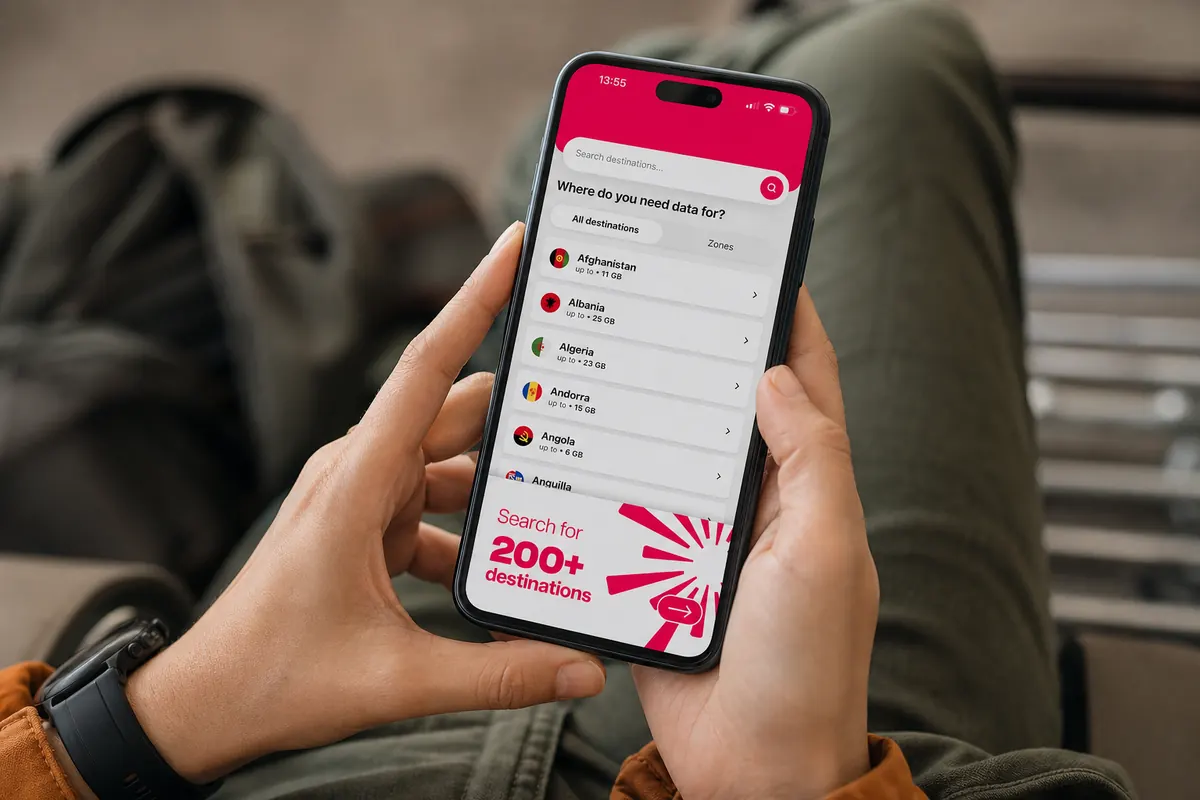
Your home SIM is sitting in your wallet. You receive nothing. You try to log into your government tax portal. Another SMS code is required. You are locked out of your financial and legal accounts. To receive those texts, your home SIM card must remain inside your phone and active on the network.
Job Hunting on the Move
A WHV means you need employment fast. You will spend your days walking into cafes, restaurants, or offices handing out resumes. You will spend your evenings browsing local job boards. Employers will email you to set up interviews. If you only have internet when you sit inside a fast-food restaurant with free WiFi, you will miss job offers. Finding the best internet for business travelers abroad in a foreign city is exactly like hunting for a job on a WHV. You need a reliable, private connection to send applications, upload PDF resumes, and do video interviews on platforms like Zoom or Teams.
Apartment and Roommate Searches
Finding housing requires speed. Good rooms in shared houses disappear in hours. You need to check Facebook groups, local classifieds, and rental apps constantly. When a room opens up, you need data to message the landlord immediately and use Google Maps to reach the viewing. Showing up late because you lost your offline map means losing the room.
Farm Work and Regional Travel
Many WHV programs require you to complete regional work or farm work to extend your visa. You will leave the main cities and travel to remote agricultural areas. You will spend hours on buses or trains. You need data to pass the time, keep in touch with other backpackers, and research your next destination. Whether you attend local festivals or follow regional sports, finding the best internet for sporting events abroad depends on keeping a stable connection outside the major urban centers.
Available Solutions and Their Real Costs
Travelers have four main ways to get internet abroad. Most of them come with hidden fees, logistical headaches, or security risks.
1. Home Carrier Roaming
Your current mobile provider allows you to use your existing plan abroad for a daily fee.
- The Cost: $10 to $15 per day.
- The Reality: $15 a day equals $450 a month. This is unacceptable on a Working Holiday budget. Some carriers throttle your speed to 2G after you use 500MB. You pay a premium price for a slow, restricted connection.
2. Local Physical SIM Cards
You walk up to a kiosk at the arrivals terminal and buy a local SIM.
- The Cost: $30 to $50 for a "tourist package" with 10GB of data.
- The Reality: Airport kiosks inflate prices. Worse, inserting a local physical SIM means removing your home SIM. You lose access to your home phone number. You miss crucial SMS codes for your bank. You also have to deal with tiny SIM ejector tools and risk losing your primary SIM card in a hostel dorm room.
3. Pocket WiFi Devices
You rent a portable battery-powered router that broadcasts a WiFi network.
- The Cost: $8 to $12 per day.
- The Reality: Pocket WiFi makes sense if you need the best internet for family travel abroad in a single location, but it fails for solo backpackers. You have to carry a second device everywhere. You have to charge it every night. If you lose it or break it, the rental company charges you a $150 penalty. You also have to return it at the airport before you leave.
4. Travel eSIM (GoMoWorld)
You download an app and install a digital data plan directly onto your phone's internal chip.
- The Cost: €19.99 for 30 days of data.
- The Reality: You keep your home SIM card in your phone for calls and texts. You use the eSIM strictly for internet. No physical swapping. No daily roaming fees. No hidden hardware costs.
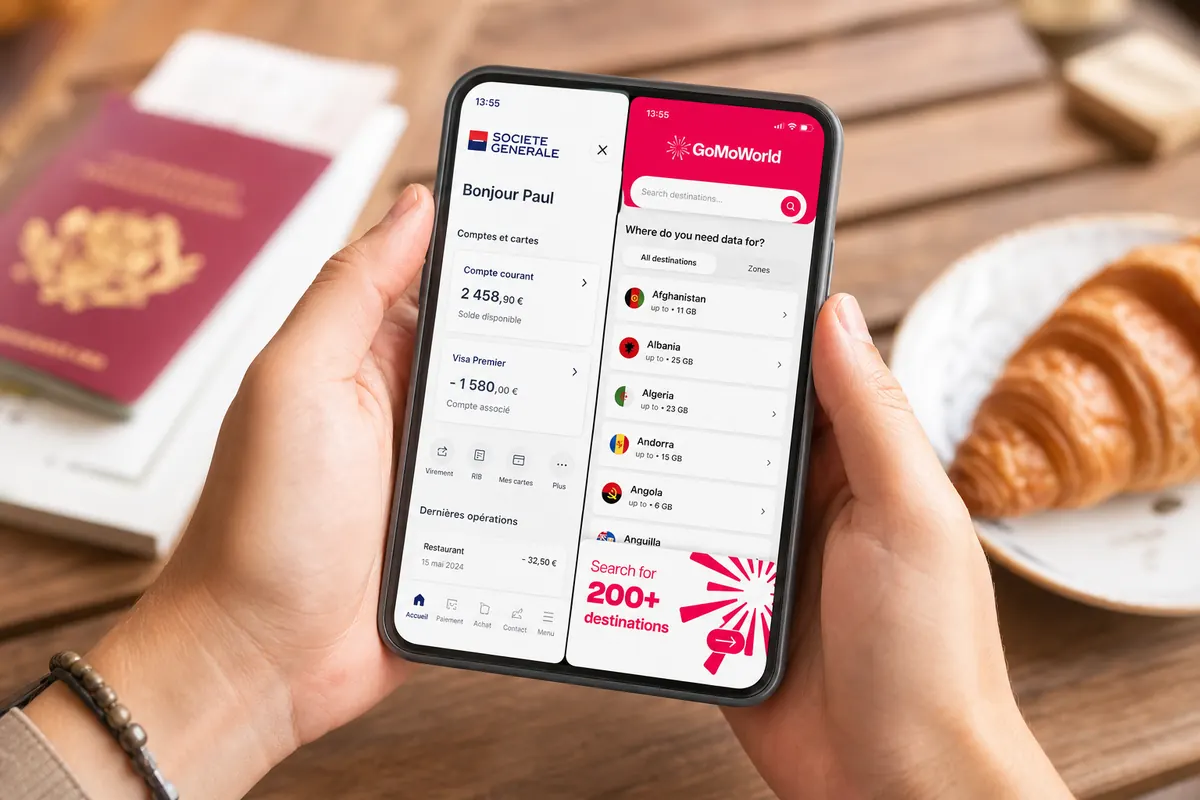
Comparison Table: Local SIM vs Pocket WiFi vs GoMoWorld eSIM
| Solution | Setup Method | Keeps Home Number Active? | Estimated Cost (30 Days) |
|---|---|---|---|
| AT&T / Verizon Roaming | Automatic | Yes | ~$300 - $450 |
| Airport Physical SIM | Manual swap | No | ~$40 - $60 |
| Pocket WiFi Rental | Pick up device | Yes | ~$240 - $360 |
| GoMoWorld eSIM | Via App | Yes | €19.99 |
Our Recommendation for Working Holiday Travelers
For a Working Holiday Visa, your connectivity strategy should adapt to your timeline. You do not need to sign a 12-month local phone contract on day one. A GoMoWorld eSIM acts as the perfect bridge solution.
The "Bridge" Strategy
When you first arrive, you lack a permanent address, a local bank account, and a tax number. Local telecom providers often require these three documents to approve you for a long-term postpaid mobile contract.
Instead of stressing over paperwork on your first day, install a GoMoWorld eSIM before you fly. Activate it when you land. You instantly get 30 days of data for €19.99. This gives you one full month to settle in, open your bank account, find an apartment, and compare local mobile providers at your own pace. If you still do not want a local contract after 30 days, you simply buy another GoMoWorld plan.
The Dual-SIM Advantage
Modern smartphones handle two networks simultaneously. You leave your home SIM active to receive SMS codes from your bank. You set GoMoWorld as your primary data source.
GoMoWorld is data-only. It does not include a phone number for traditional calls or SMS. On a WHV, you make almost all your calls via WhatsApp, Messenger, FaceTime, or Telegram anyway. When employers ask for a local number, many WHV makers use cheap local VoIP apps (like Skype numbers) to receive calls over their GoMoWorld data connection.
Hotspot Always Included
Job hunting requires a laptop. You need to tailor your resume and write cover letters. Hostels have terrible WiFi. Coffee shops limit your connection to 30 minutes.
GoMoWorld includes hotspot tethering on all plans at no extra cost. You can sit in a park, turn on your phone's personal hotspot, connect your laptop, and apply for jobs with a secure, private connection.
Fixed Pricing, No Overage
Backpackers cannot afford surprise bills. Postpaid contracts charge you heavy fees if you exceed your data limit. GoMoWorld operates on a strict prepay system. You pay upfront.
- 7 days → €3.99
- 15 days → €10.99
- 30 days → €19.99
Data volumes vary by destination, but the price remains fixed. When you consume 100% of your data, the connection stops. GoMoWorld never charges overage fees. You never receive a surprise bill at the end of the month. If you need more internet, you open the app and buy a new plan.
Practical Guide: Set Up and Use GoMoWorld eSIM
Getting connected takes two minutes. You do not need to visit a store. You do not need a paper contract. If you are looking for the best internet for travelers abroad, the installation process must be fully digital.
The App-Only Installation
GoMoWorld does not use QR codes. QR codes are frustrating. You cannot scan a QR code displayed on your own phone screen. You have to print it or send it to a friend's phone to scan it.
GoMoWorld eliminated this problem. The entire installation happens directly inside the GoMoWorld app.
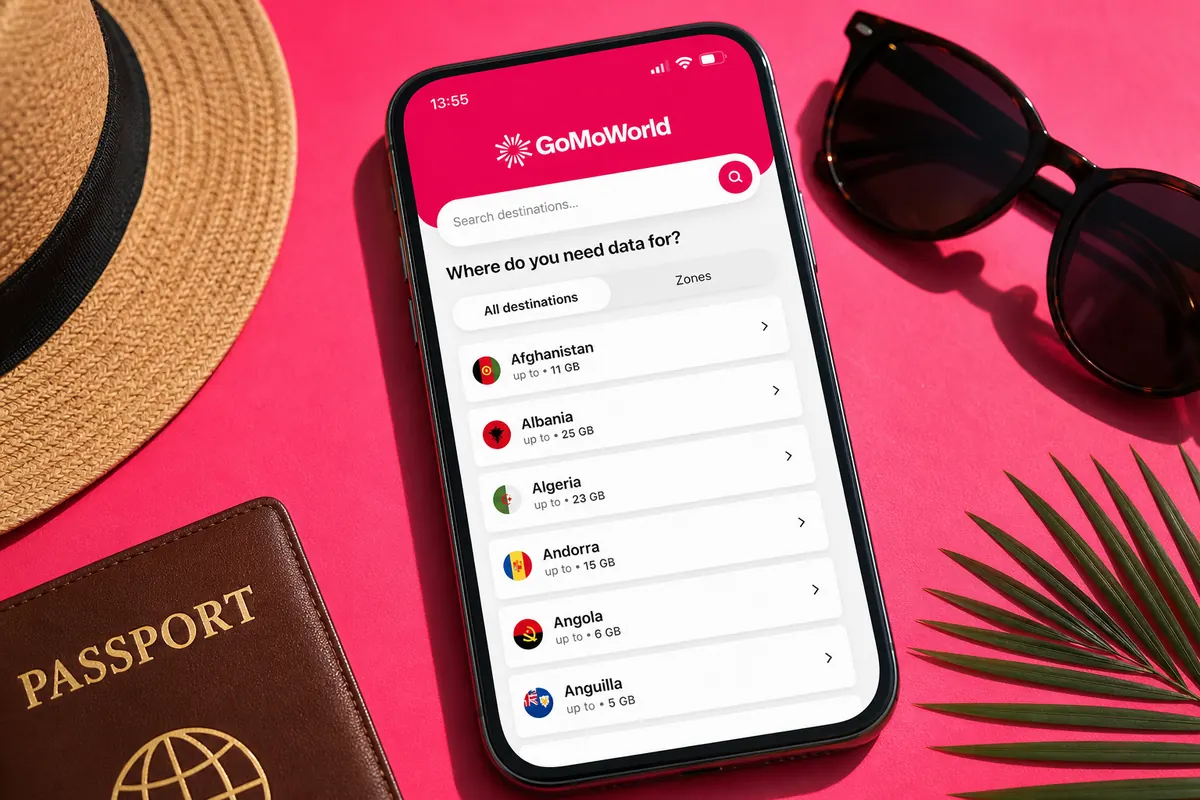
Step-by-Step Instructions
- Download the App: Search for GoMoWorld on the Apple App Store or Google Play Store. Download it while you are still at home on your normal WiFi.
- Create an Account: Sign up using your email address.
- Select Your Destination: Search for the country where you will do your Working Holiday.
- Choose Your Plan: Pick the duration that fits your arrival. The 30-day plan (€19.99) is the best option for a new WHV arrival.
- Install the eSIM: Follow the on-screen prompts. The app communicates directly with your phone's settings to install the eSIM profile.
- Activate: Plans never expire until you activate them. You can buy your plan three months before your flight. When your plane lands, open the app and tap "Start". Your 30-day countdown begins exactly at that moment.
Troubleshooting Common Issues
Sometimes phones get confused when switching networks in a new country. If you tap "Start" and do not get internet immediately, follow these exact steps:
- Check Data Roaming: Go to your phone's Settings > Cellular (or Mobile Data). Select the GoMoWorld eSIM. Ensure the "Data Roaming" toggle is turned ON for the GoMoWorld line.
- Check Primary Data Line: In Settings > Cellular, ensure your phone is set to use GoMoWorld for "Cellular Data".
- The Airplane Mode Trick: If your phone shows "SOS" or "No Service", turn on Airplane Mode. Wait exactly 30 seconds. Turn Airplane Mode off. This forces your phone's antenna to search for the local network towers and establish a fresh connection.
- Restart Your Phone: If the connection still fails, power your phone down completely and turn it back on.
Managing Data During Your WHV
Data is precious when you travel. A 25GB plan lasts a full month if you manage it correctly, but you can burn through it in three days if you are careless.
Stop Background App Refresh
Your phone constantly downloads data in the background. Instagram pre-loads videos. Google Photos uploads your camera roll to the cloud. Spotify downloads podcast updates.
Turn off background app refresh. On iPhone, go to Settings > General > Background App Refresh and disable it for social media and photo apps. On Android, go to Settings > Network & Internet > Data Saver and turn it on.
Download Maps Offline
Google Maps consumes massive amounts of data if you use it for live navigation every day. Before you leave your hostel WiFi, download the map of your new city. Open Google Maps, tap your profile picture, select "Offline maps", and highlight your entire metro area. Your GPS still works perfectly on an offline map, but you use zero mobile data to render the streets.
Use Low Data Mode
Both iOS and Android feature a Low Data Mode. Activating this tells your phone to stop automatic updates and reduces video streaming quality. Go to your GoMoWorld eSIM settings and toggle Low Data Mode on. You will instantly double the lifespan of your data plan.
Monitor Your Usage
The GoMoWorld app tracks your data consumption in real time. Open the app to see exactly how many gigabytes you have left. Check this every few days. If you see your data dropping rapidly, identify which app is draining it and restrict its permissions.
The Long-Term WHV Setup
Your connectivity needs will evolve during your 12-month stay.
Months 1 to 2: You rely entirely on GoMoWorld. You use the 30-day plans to navigate the city, attend interviews, and view apartments. You keep your home SIM active for banking codes.
Months 3 to 6: You secure a job and an apartment. You might decide to get a cheap local physical SIM card with a local phone number to put on your resume. You can insert this local SIM into your phone. If your phone supports dual eSIMs, you can keep your home number active digitally while using the local SIM for calls.
Months 7 to 12: You quit your city job to travel the country or do regional farm work. You cancel your local monthly contract to avoid paying while you travel. You switch back to GoMoWorld 15-day or 30-day plans to maintain data access while living out of a campervan or moving between rural towns.
This flexibility defines the WHV experience. You are never locked into a contract you don't need. You only pay for data when you actually require it.
Related guides
Depending on your destination and status, here are our guides to staying connected without blowing your budget:
- Working Holiday: connectivity for a working holiday in Australia, Canada, Argentina, Japan, Colombia, Brazil, South Korea and New Zealand
- Student exchange / Erasmus: keeping your home number on Erasmus, student plan in Switzerland, Morocco, Portugal and London
FAQ
Can I keep my home number while on a WHV?
Yes. With a dual-SIM phone, you leave your home physical SIM in the tray and install a GoMoWorld eSIM for data. You will still receive SMS security codes from your home bank without paying daily roaming fees.
Do I need a local phone number for a Working Holiday?
Employers and landlords will eventually ask for a local number. Many travelers use GoMoWorld for their daily internet and download a VoIP app (like Skype) to purchase a cheap local virtual number for incoming calls.
Does my GoMoWorld data expire if I buy it before my flight?
No. GoMoWorld plans never expire until you manually activate them. You can purchase your plan weeks before departure and tap "Start" in the app only after your plane lands.
Can I share my internet with my laptop to apply for jobs?
Yes. Hotspot tethering is included on all GoMoWorld plans. You can share your data connection with your laptop, tablet, or a friend's phone at no extra cost.
What happens when I run out of GoMoWorld data?
Your internet connection stops. There are no overage fees and no surprise charges. To get back online, simply open the GoMoWorld app and purchase a new 7-day, 15-day, or 30-day plan.


Similar articles

Two-Factor Authentication While Traveling Abroad

Internet for Traveler in United Kingdom: Best Options 2026

Best Internet at Coachella for International Visitors

Internet for Student Abroad in Germany: Best Options 2026

Hear from our Happy Travelers
4.7
App Store

4.7
Google Play Store

March 5, 2026
Trustworthy and cheap
A trustworthy and economic way of being in contact with home when travelling


February 27, 2026
Excellent esim
Easy to use. Used in many countries and will continue to use gomoworld


February 26, 2026
Best eSIM prices
Excellent price and good network coverage. Used it for my trips to Turkey and Russia, I faced no issues at all. Recommend!


February 10, 2026
Great eSIM service
I use their esim and I have used them all over India, Colombia, Nicaragua and the US and have not had problems with connection, except high in the mountains where no one has it.

February 7, 2026
Works flawlessly from 1st second
Installing and activating is straightforward, testing the system with a free trial in Switzerland worked fine Connection throughout the Gambia was perfect Renewal after expiration was easy, cheap and quick.


January 25, 2026
Really good data plans withs reasonable prices
GoMoWorld offered the best value out of all the options I considered. The app experience was also superior to other services I’ve tried. There was no ID verification requirement. Payment and setup was super easy. It guides you step by step how to install the eSIM and tells you the recommended settings. I would recommend to anyone looking for lots of data with really competitive prices.

What is an eSIM?
We’ll Explain Everything.
A simple, digital solution for staying connected wherever you Go.

Say Goodbye to Physical SIM Cards
No need to handle a physical SIM card (or risk losing yours)—everything is digital with an eSIM.

Quick and Easy Activation.
Download your GoMoWorld eSIM from our app and get connected in minutes. All our plans start at just €3.99, with no subscriptions or hidden fees.

Perfect for Travelers
Keep your regular SIM active for calls and texts while using GoMoWorld for data. You can have both your primary SIM and eSIM active simultaneously, or two eSIMs.


from
€3.99

Still thinking about it?
Download the app and enjoy a risk-free Trial. Experience GoMoWorld travel eSIM now!