

Best Internet for Business Travelers Abroad

Simon Muller
Posted on May 26, 2026

Best Internet for Business Travelers Abroad
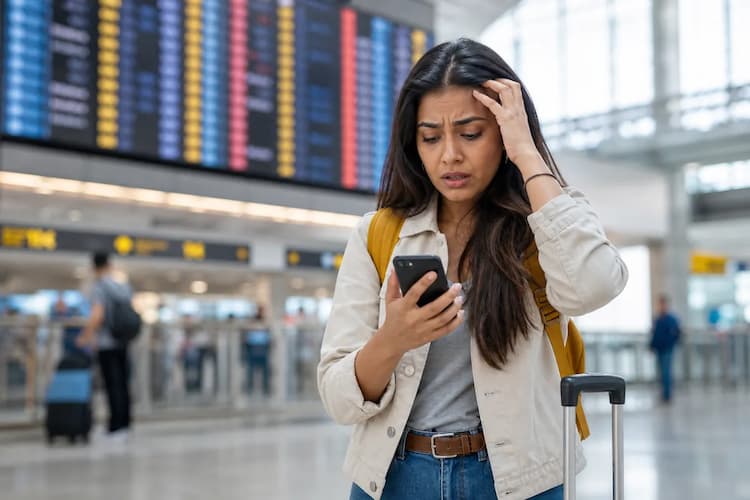
You land at your destination. The seatbelt sign turns off. You turn off airplane mode. Your inbox immediately floods with urgent emails. You need to order a ride to the financial district. You need internet right now.
If you rely on your home carrier, AT&T or Verizon charges you up to $15 per day for international roaming. A two-week business trip results in a $210 phone bill. Your finance department flags the expense report.
GoMoWorld offers a different approach. You get a data-only eSIM tailored to your destination. You pay €10.99 for 15 days and receive 10GB of data. You install the eSIM directly through an app. You keep your home number active for important client calls and text messages. You avoid roaming fees completely.
This guide breaks down exactly how to stay connected on your next corporate trip. We compare carrier roaming, local SIM cards, pocket WiFi devices, and travel eSIMs. We show you the exact costs. We explain why an app-based eSIM solves the business travel connectivity problem.
The Connectivity Problem for Business Travelers
Business travel demands immediate, secure, and reliable internet access. You cannot afford downtime. You cannot waste 45 minutes at an airport kiosk negotiating a data plan. The modern professional faces three specific connectivity problems abroad.
The Airport Wi-Fi Security Risk
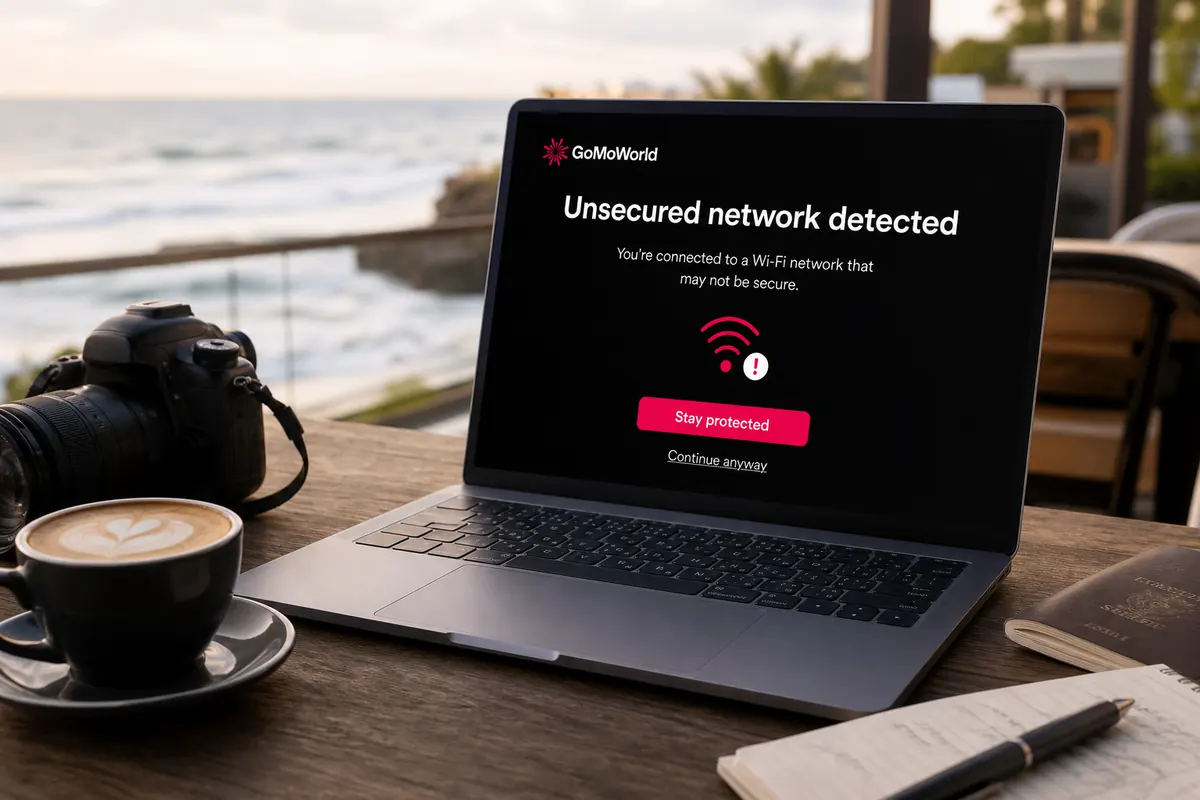
Many travelers try to survive on free public Wi-Fi. This strategy fails quickly. Airport Wi-Fi requires you to log into a captive portal. These portals force you to hand over your email address. They limit your bandwidth.
More importantly, public networks pose a massive security risk. Hackers target business travelers on open airport and hotel networks. They intercept unencrypted traffic. When you handle sensitive corporate data, you must use a Virtual Private Network (VPN). However, free Wi-Fi networks often throttle speeds so heavily that a VPN connection drops constantly. You need a dedicated, encrypted cellular connection.
The Two-Factor Authentication (2FA) Trap
Corporate security protocols require two-factor authentication. When you log into your company portal, the system sends an SMS code to your phone. When you access your bank account, you receive a text message.
If you buy a physical plastic SIM card at your destination, you must remove your home SIM card. The moment you remove your home SIM, you lose access to your primary phone number. You cannot receive 2FA text messages. You lock yourself out of your own corporate accounts. You also miss calls from clients who only know your primary number.
Unpredictable Expense Reports
Corporate finance departments hate unpredictable expenses. Traditional roaming plans trigger automatically. If you leave data roaming enabled on your home plan, your carrier hits you with a daily pass charge.
AT&T charges $15 per day. Verizon charges $10 to $15 per day depending on the destination. If your trip lasts 10 days, you face a $150 bill. If you travel multiple times a month, these costs destroy your travel budget. A short corporate trip requires instant access, unlike a long-term relocation where you might search for the best internet for working holiday travelers. You need a fixed, prepaid cost with zero surprises.
Available Solutions and Their Real Costs
You have four main ways to get internet abroad. Each method carries specific costs and logistical hurdles.
US Carrier Roaming Plans
The easiest method is doing nothing. You land, and your phone connects to a local partner network. Your home carrier activates an international day pass.
This convenience comes at a steep price. AT&T and T-Mobile charge up to $15 per day. You pay this fee every single day you use data, make a call, or send a text. The speeds are often throttled. Some carriers limit your high-speed data to 2GB per day before dropping you to 3G speeds. You cannot run a Zoom video call on a 3G connection.
Local Physical SIM Cards
You can buy a local plastic SIM card at the airport arrivals hall. You hand over your passport. You wait for the clerk to register your details. You pay around $30 to $40 for a tourist package.
You then use a paperclip to open your phone tray. You take out your home SIM card. You place it in your wallet, hoping you do not lose it. You lose your home phone number for the duration of the trip. This method wastes time and cuts you off from your primary contacts.
Pocket WiFi Rental
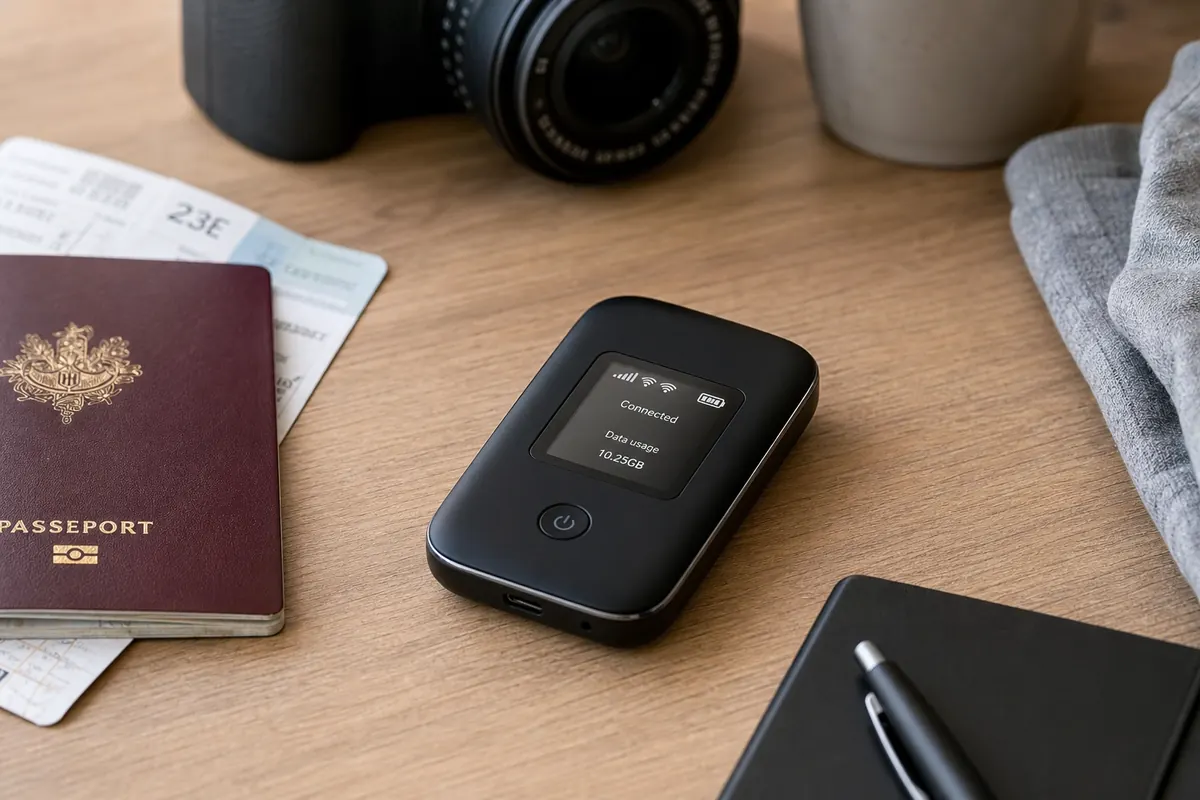
A pocket WiFi is a portable battery-powered router. You rent it at the airport or order it online before your trip. You pay $8 to $12 per day. You also pay a security deposit of $100 or more.
You must carry this second device everywhere. You must keep it charged. If the battery dies at 3 PM between meetings, your laptop loses internet access. When your trip ends, you must return the device. If your departure flight leaves at 5 AM, the rental kiosk might be closed. A pocket router makes sense if you need the best internet for family travel abroad abroad to connect five iPads, but a solo professional needs a more streamlined solution.
Travel eSIM
An eSIM is a digital SIM card. Most smartphones built after 2019 contain an eSIM chip. You do not insert a physical card. You download an app, choose a data plan, and install the profile digitally.
This method allows you to run two lines simultaneously. Your physical SIM stays in your phone to receive calls and 2FA texts. Your eSIM handles all the heavy data traffic. You pay a fixed, upfront price. You avoid roaming fees completely.
Comparison Table: Local SIM vs Pocket WiFi vs GoMoWorld eSIM
This table breaks down the real costs and features of the four main internet solutions for a 15-day business trip.
| Internet Solution | Setup Process | Keep Home Number? | Estimated Price (15 Days) |
|---|---|---|---|
| AT&T / Verizon Roaming | Automatic | Yes | ~$150 to $225 |
| Local Physical SIM | 45 mins at airport | No | ~$30 to $50 |
| Pocket WiFi Rental | Pickup & Return | Yes | ~$120 to $180 |
| GoMoWorld eSIM | 2 minutes via app | Yes | €10.99 |
Carrier roaming drains your budget. Local SIMs cost you your phone number. Pocket WiFi adds hardware to your briefcase. GoMoWorld gives you 15 days of data for exactly €10.99. You know the exact cost before you board the plane.
Our Recommendation for Business Travelers
We recommend a data-only eSIM for any professional crossing borders. GoMoWorld strips away the friction of international travel. It provides a secure, fast, and budget-friendly connection. Here is exactly why GoMoWorld fits the corporate travel model.
100% Prepaid with Zero Overage Fees
Expense reports require predictability. GoMoWorld operates on a strict prepaid model. You buy a specific data volume for a specific duration.
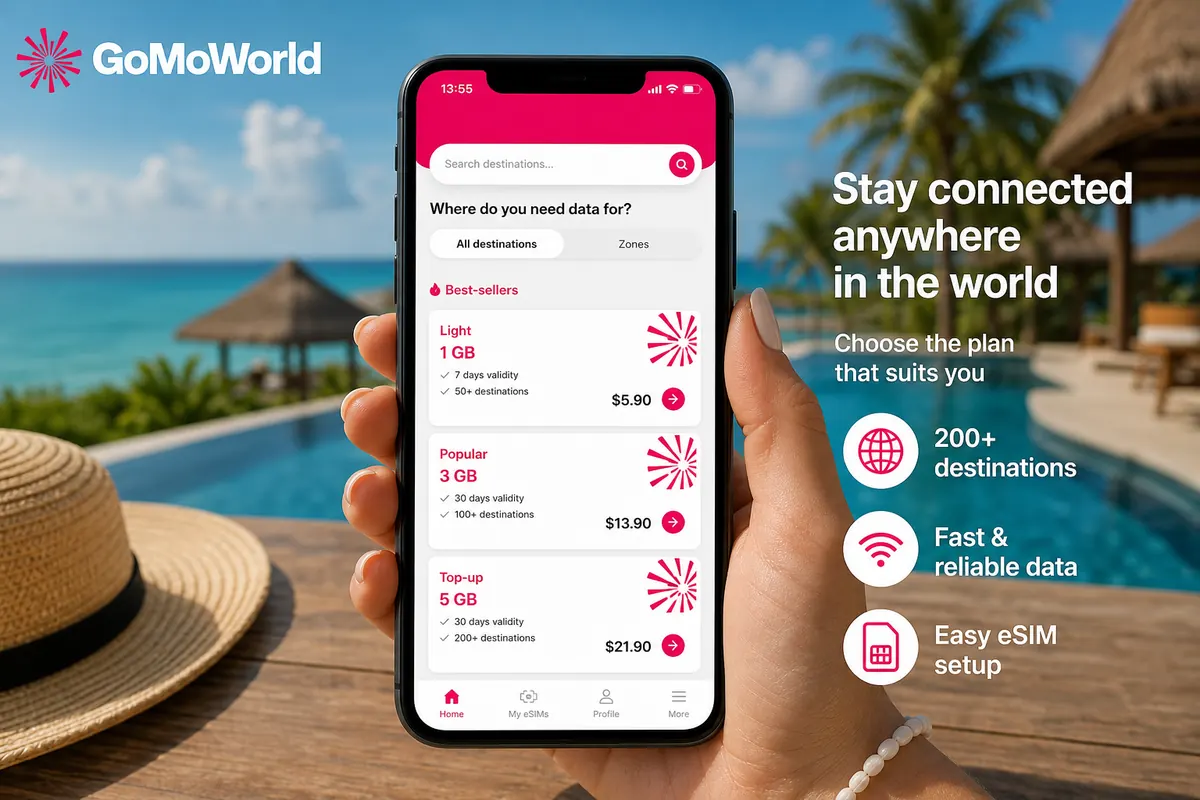
GoMoWorld offers three fixed price tiers worldwide. The data volume varies by destination, but the prices remain identical:
- 7 days costs €3.99 (includes 3GB of data).
- 15 days costs €10.99 (includes 10GB of data).
- 30 days costs €19.99 (includes 25GB of data).
You pay €10.99. You get a receipt for €10.99. You expense €10.99. If you use all your data, the connection simply stops. You never receive a surprise overage bill. If you need more data, you open the app and buy another plan.
Keep Your Home Number Active
GoMoWorld provides a data-only connection. The plans do not include local phone numbers, voice minutes, or SMS capabilities. This is a massive advantage for business.
You keep your primary physical SIM active for voice and texts. You configure your phone to route all web traffic, emails, and apps through the GoMoWorld eSIM. When a client calls your home number, your phone rings. When your bank sends a 2FA text, you receive it instantly. You get the best of both worlds: cheap local data and full access to your primary contacts.
Mobile Hotspot Included on All Plans
Business happens on laptops, not just phones. You need to answer emails in the back of a taxi. You need to review a presentation in a coffee shop.
Every GoMoWorld plan includes mobile hotspot functionality at no extra charge. You turn on the personal hotspot feature on your smartphone. You connect your laptop to your phone's Wi-Fi network. You instantly get a secure, encrypted 4G or 5G connection for your computer. You bypass dangerous public Wi-Fi networks entirely.
Plans Never Expire Before Activation
Travel schedules change constantly. Flights get delayed. Meetings get pushed back. GoMoWorld plans never expire until you activate them.
You can buy your 15-day plan on a Sunday evening from your couch in Chicago. You fly on Wednesday. The plan sits safely in your app. It does not start counting down. The 15-day timer only begins the exact moment you arrive and tap "Start" in the application. If colleagues ask you about the best internet for travelers abroad, tell them to buy a plan that waits for them, not a plan that starts ticking immediately.
No QR Codes Required
Many eSIM providers force you to scan a QR code to install the profile. This creates a logistical nightmare. You receive the QR code on your phone screen. You cannot scan your own screen with your own camera. You must print the code on paper or send it to a laptop screen to scan it.
GoMoWorld eliminates this hassle. The entire installation happens within the GoMoWorld app. You tap a button, and the app configures your phone's cellular settings automatically. You do not need a second screen. You do not need a printer.
Practical Guide: Set Up and Use GoMoWorld eSIM
Installing a GoMoWorld eSIM takes less than two minutes. You should complete the purchase and installation while you are still at home, connected to your fast home Wi-Fi.
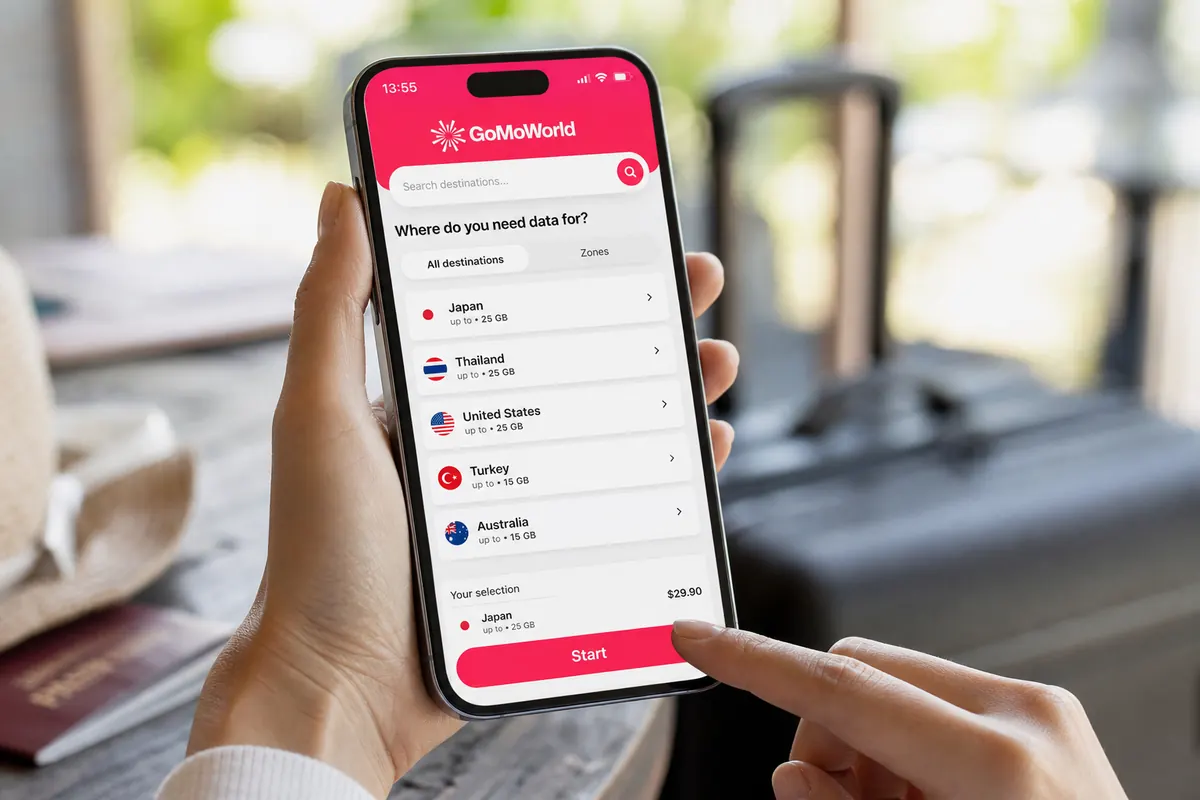
Step 1: Download the App and Buy a Plan
- Open the Apple App Store or Google Play Store.
- Download the GoMoWorld application.
- Open the app and create your account.
- Search for your destination country.
- Choose your plan. For a two-week business trip, select the 15-day plan for €10.99 (includes 10GB of data).
- Pay securely using Apple Pay, Google Pay, or a credit card.
Step 2: Install the eSIM
- After payment, the app prompts you to install the eSIM.
- Follow the on-screen instructions.
- The app installs the digital profile directly into your phone settings.
- Remember: there is no QR code to scan. The app handles the technical configuration.
Step 3: Activate Upon Arrival
- GoMoWorld does not feature auto-activation. Your plan will not start on its own.
- When your plane lands, turn off airplane mode.
- Open the GoMoWorld app.
- Navigate to your purchased plan.
- Tap the "Start" button.
- Your 15-day timer begins right now. You are connected to a local 4G or 5G network.
Configure Your Phone Settings (iPhone)
To ensure you do not incur roaming charges on your home SIM, check your iPhone settings:
- Go to Settings > Cellular.
- You will see two lines: Primary (your home SIM) and Personal/Travel (your GoMoWorld eSIM).
- Tap "Cellular Data" and select the GoMoWorld line.
- Turn off "Allow Cellular Data Switching". This prevents your phone from quietly using your home carrier's data if the eSIM signal drops.
- Tap "Default Voice Line" and select your Primary line. This ensures your outgoing calls still use your home number.
Troubleshooting Common Issues
If you land, tap Start, and cannot connect to the internet, follow these three steps:
- Check Data Roaming: Go to Settings > Cellular. Select your GoMoWorld eSIM line. Ensure the toggle for "Data Roaming" is turned ON for the GoMoWorld line. The eSIM requires roaming to connect to the local partner network.
- Restart the Connection: If your phone displays "SOS" or "No Service," turn on airplane mode for 30 seconds. Turn it off. This forces the phone to search for the local cell tower again.
- Verify Line Selection: Ensure your phone is actually trying to use the eSIM for data. Sometimes, software updates reset your default data line back to your home carrier.
Whether you attend a trade show or search for the best internet for sporting events abroad to stream a conference live, this setup guarantees a stable connection. You land, you tap Start, and you get straight to work. To fix your connectivity for your next trip, get your eSIM → today.
Related guides
To manage your work connection without any surprises, here are our guides for business travel:
- Expense reports and invoicing: claiming your eSIM as a business expense and getting a company-name eSIM invoice
- Keeping your line and separating uses: keeping your work number abroad and managing a dual SIM for work and personal use
- Depending on your destination: business roaming in Switzerland or a business plan in the United States
FAQ
What is the disadvantage of eSIM?
You need an unlocked, compatible smartphone. Most devices built after 2019 support eSIM technology, but older models do not. You also cannot physically move an eSIM between different phones like a plastic card; the digital profile binds to the specific device where you install it.
What is the best eSIM for traveling abroad?
GoMoWorld provides a secure, data-only connection with exact upfront pricing. You pay €10.99 for 15 days and get 10GB of data tailored to your destination. You install it entirely via the app without scanning QR codes, and you activate it manually only when you are ready.
What is the best eSIM for the United States?
For business trips to the US, a data-only eSIM prevents massive roaming charges from European or Asian carriers. GoMoWorld offers 25GB for 30 days at €19.99 in the US, allowing you to tether your laptop via hotspot for reliable remote work.
Is eSIM advantageous for businesses?
Yes. It eliminates unpredictable $15-per-day roaming charges from employee expense reports. Employees buy a prepaid GoMoWorld plan, connect instantly upon landing, and keep their corporate phone number active for calls and two-factor authentication texts.


Similar articles
Two-Factor Authentication While Traveling Abroad

Internet for Traveler in United Kingdom: Best Options 2026

Best Internet at Coachella for International Visitors

Internet for Student Abroad in Germany: Best Options 2026

Hear from our Happy Travelers
4.7
App Store

4.7
Google Play Store

March 5, 2026
Trustworthy and cheap
A trustworthy and economic way of being in contact with home when travelling


February 27, 2026
Excellent esim
Easy to use. Used in many countries and will continue to use gomoworld


February 26, 2026
Best eSIM prices
Excellent price and good network coverage. Used it for my trips to Turkey and Russia, I faced no issues at all. Recommend!


February 10, 2026
Great eSIM service
I use their esim and I have used them all over India, Colombia, Nicaragua and the US and have not had problems with connection, except high in the mountains where no one has it.

February 7, 2026
Works flawlessly from 1st second
Installing and activating is straightforward, testing the system with a free trial in Switzerland worked fine Connection throughout the Gambia was perfect Renewal after expiration was easy, cheap and quick.


January 25, 2026
Really good data plans withs reasonable prices
GoMoWorld offered the best value out of all the options I considered. The app experience was also superior to other services I’ve tried. There was no ID verification requirement. Payment and setup was super easy. It guides you step by step how to install the eSIM and tells you the recommended settings. I would recommend to anyone looking for lots of data with really competitive prices.

What is an eSIM?
We’ll Explain Everything.
A simple, digital solution for staying connected wherever you Go.

Say Goodbye to Physical SIM Cards
No need to handle a physical SIM card (or risk losing yours)—everything is digital with an eSIM.

Quick and Easy Activation.
Download your GoMoWorld eSIM from our app and get connected in minutes. All our plans start at just €3.99, with no subscriptions or hidden fees.

Perfect for Travelers
Keep your regular SIM active for calls and texts while using GoMoWorld for data. You can have both your primary SIM and eSIM active simultaneously, or two eSIMs.


from
€3.99

Still thinking about it?
Download the app and enjoy a risk-free Trial. Experience GoMoWorld travel eSIM now!