

No SIM Available: Causes and Solutions

Simon Muller
Posted on May 26, 2026
No SIM Available: Causes and Solutions
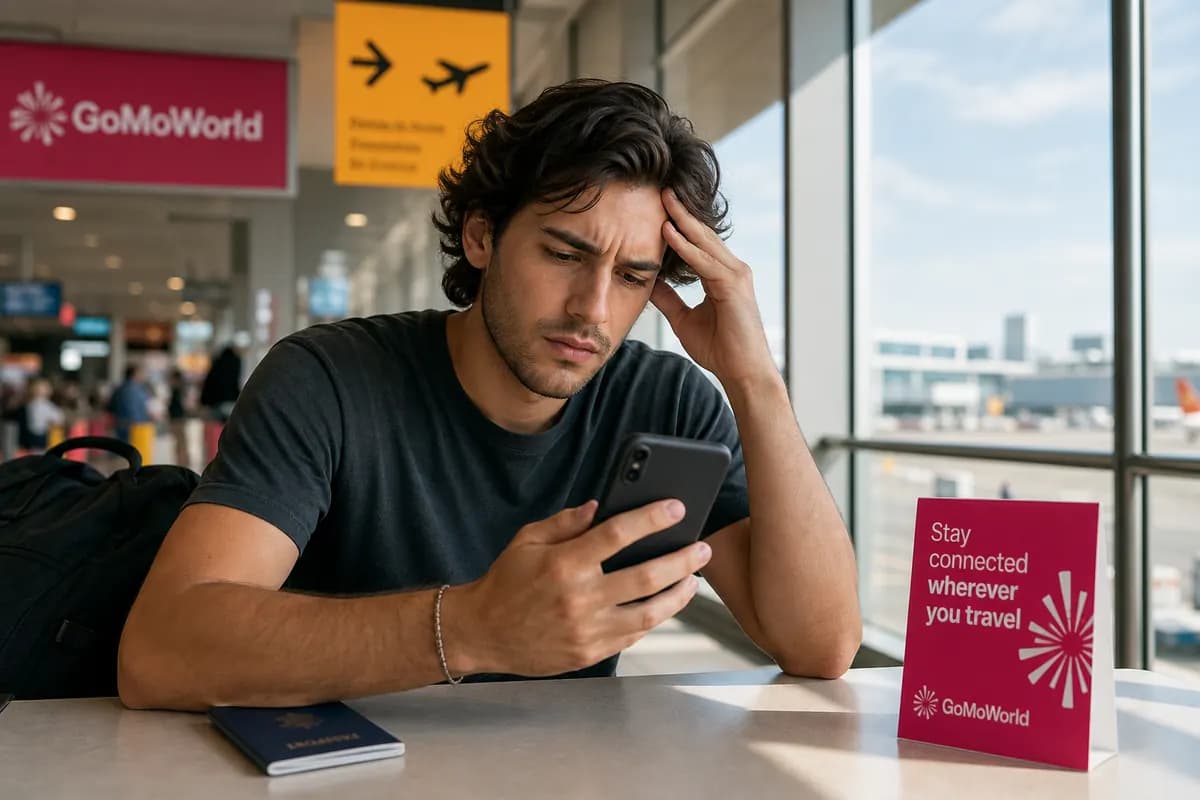
You land after a ten-hour flight. You turn off Airplane Mode, expecting notifications. Instead, your screen shows "No SIM Available". You have no data. You cannot order an Uber. You cannot load your hotel reservation. You are completely disconnected.
You restart your device. The error remains. This hardware failure cuts you off when you need connectivity the most. A physical card fails for several reasons: dirt, physical damage, or a software crash. A GoMoWorld eSIM prevents this physical failure altogether.
Why Does This Problem Happen?
Your smartphone displays this error when the internal modem fails to communicate with the physical chip. The connection between the metal contacts on the card and the internal pins inside your phone breaks down.
Three culprits trigger this error:
- Physical movement: A recent drop dislodged the tray or damaged the chip.
- Dirt and debris: Pocket lint blocked the gold contact points.
- Software bugs: Your operating system failed to initialize the cellular modem.
If your phone cannot read the chip, it behaves exactly as if the tray is empty. You lose all network access instantly. Sometimes, this overlaps with a physically broken chip. If you search for a damaged SIM card fixes, you see identical symptoms. The same logic applies if your device throws a generic hardware error. Users often look up an unrecognized SIM card to understand why the modem fails to read the card.
Quick Fix (Solves 80% of Cases)
Start with the fastest method. Do not reset your network settings yet.
- Turn on Airplane Mode for 30 seconds.
- Turn it off.
If the network does not return, physically reseat the card.

- Power down your phone completely.
- Insert a SIM ejector tool or a paperclip into the small hole on the tray.
- Pull the tray out carefully.
- Inspect the card. Wipe the gold contacts with a clean, dry microfiber cloth. Do not use water.
- Blow gently into the slot to clear out trapped dust.
- Place the card back into the tray. Ensure it sits flat.
- Push the tray back in and power on the device.
This forces the phone to establish a fresh hardware connection. If the card was slightly misaligned, this fixes the error immediately. If the error persists, test the card in another unlocked phone. If the second phone also says "No SIM", your card is dead. You need a replacement.
Advanced Solutions
If reseating the card fails and the card works in another phone, the problem lies in your software.
Update Carrier Settings Your carrier pushes background updates to improve network compatibility. An outdated profile causes sudden connection drops.
- Connect to Wi-Fi.
- Go to Settings > General > About (on iOS).
- Wait 15 seconds. If an update is available, a prompt appears. Tap Update.
Check for OS Updates A pending iOS or Android system update often patches cellular modem bugs. Go to Settings > General > Software Update. Install available updates and restart your device.
Verify eSIM Profiles If you use a digital profile and see this error, your line might be disabled. Go to Settings > Cellular. Ensure your line is toggled on. Sometimes, users face activation errors with traditional providers. You might need to troubleshoot your SM-DP+ activation server if a manual setup fails. GoMoWorld avoids this entirely by installing directly through the app. No manual typing required.
Reset Network Settings This wipes saved Wi-Fi passwords and Bluetooth pairings, but forces the cellular modem to reboot.
- Go to Settings > General > Transfer or Reset.
- Tap Reset > Reset Network Settings.
- Enter your passcode and confirm.
Prevention
Physical cards degrade over time. They scratch, collect dust, and fail at the worst possible times. When you travel, swapping tiny plastic chips on an airplane tray table invites disaster. You drop the card on the floor, and suddenly you have no connection abroad. You then have to figure out app data usage abroad just to get online.
To prevent this hardware problem permanently, switch to an eSIM for your travel data.
A GoMoWorld eSIM lives digitally inside your phone. You cannot drop it. It cannot gather dust. It never breaks.
Traditional carriers like AT&T and Verizon charge up to $15/day for international roaming outside the US. GoMoWorld gives you a dedicated data plan for a fraction of the cost. You keep your physical SIM active for calls and texts, and use the eSIM strictly for data. You can even keep using WhatsApp while traveling without touching your home carrier's expensive data allocation.
| Carrier | Roaming Plan | Estimated Price |
|---|---|---|
| AT&T | International Day Pass | ~$15/day |
| Verizon | TravelPass | ~$15/day |
| T-Mobile | International Pass | ~$15/day |
| GoMoWorld eSIM | 15 days, 10GB data | €10.99 |
How GoMoWorld works:
- Download the GoMoWorld app (iOS or Android).
- Choose your destination and select a plan.
- Install the eSIM directly through the app. No QR code required.
- Tap "Start" when you want to activate your data.
Your plan never expires until you tap Start. You buy it today and activate it six months later. GoMoWorld operates on a strict prepay system. You get 3GB for 7 days for €3.99, 10GB for 15 days for €10.99, or 25GB for 30 days for €19.99. When you run out, the data simply stops. No overage fees. No surprise bills. Every plan includes hotspot capabilities. eSIM →
FAQ
Why does my iPhone show no SIM available?
Your iPhone displays this when it cannot detect the physical card in the tray. The metal contacts might be dirty, the tray might be loose, or a software glitch is preventing the modem from reading the chip.
Why does my phone tell me no SIM card?
A damaged or improperly seated card causes this error. Take the tray out, wipe the gold contacts with a clean microfiber cloth, and reinsert it carefully.
What are the reasons no SIM card is available on Android?
Android devices show this error due to a dislodged tray, dirt on the chip, or outdated carrier settings. A quick restart or physically reseating the card usually fixes the connection immediately.
Why is my SIM unavailable suddenly?
A sudden drop or physical impact shifts the card inside the device. It breaks the connection between the chip and the phone's internal pins, triggering the error instantly without warning.


Similar articles

SM-DP+ Address: Complete Troubleshooting Guide

WhatsApp While Traveling: Free or Paid? How to Use It

Data Apps Abroad: Comprehensive Troubleshooting Guide

Damaged SIM Card: Causes and Fixes

Hear from our Happy Travelers
4.7
App Store

4.7
Google Play Store

March 5, 2026
Trustworthy and cheap
A trustworthy and economic way of being in contact with home when travelling


February 27, 2026
Excellent esim
Easy to use. Used in many countries and will continue to use gomoworld


February 26, 2026
Best eSIM prices
Excellent price and good network coverage. Used it for my trips to Turkey and Russia, I faced no issues at all. Recommend!


February 10, 2026
Great eSIM service
I use their esim and I have used them all over India, Colombia, Nicaragua and the US and have not had problems with connection, except high in the mountains where no one has it.

February 7, 2026
Works flawlessly from 1st second
Installing and activating is straightforward, testing the system with a free trial in Switzerland worked fine Connection throughout the Gambia was perfect Renewal after expiration was easy, cheap and quick.


January 25, 2026
Really good data plans withs reasonable prices
GoMoWorld offered the best value out of all the options I considered. The app experience was also superior to other services I’ve tried. There was no ID verification requirement. Payment and setup was super easy. It guides you step by step how to install the eSIM and tells you the recommended settings. I would recommend to anyone looking for lots of data with really competitive prices.

What is an eSIM?
We’ll Explain Everything.
A simple, digital solution for staying connected wherever you Go.

Say Goodbye to Physical SIM Cards
No need to handle a physical SIM card (or risk losing yours)—everything is digital with an eSIM.

Quick and Easy Activation.
Download your GoMoWorld eSIM from our app and get connected in minutes. All our plans start at just €3.99, with no subscriptions or hidden fees.

Perfect for Travelers
Keep your regular SIM active for calls and texts while using GoMoWorld for data. You can have both your primary SIM and eSIM active simultaneously, or two eSIMs.


from
€3.99

Still thinking about it?
Download the app and enjoy a risk-free Trial. Experience GoMoWorld travel eSIM now!