

SIM Card Not Recognized: Causes and Solutions

Simon Muller
Posted on May 26, 2026
SIM Card Not Recognized: Causes and Solutions
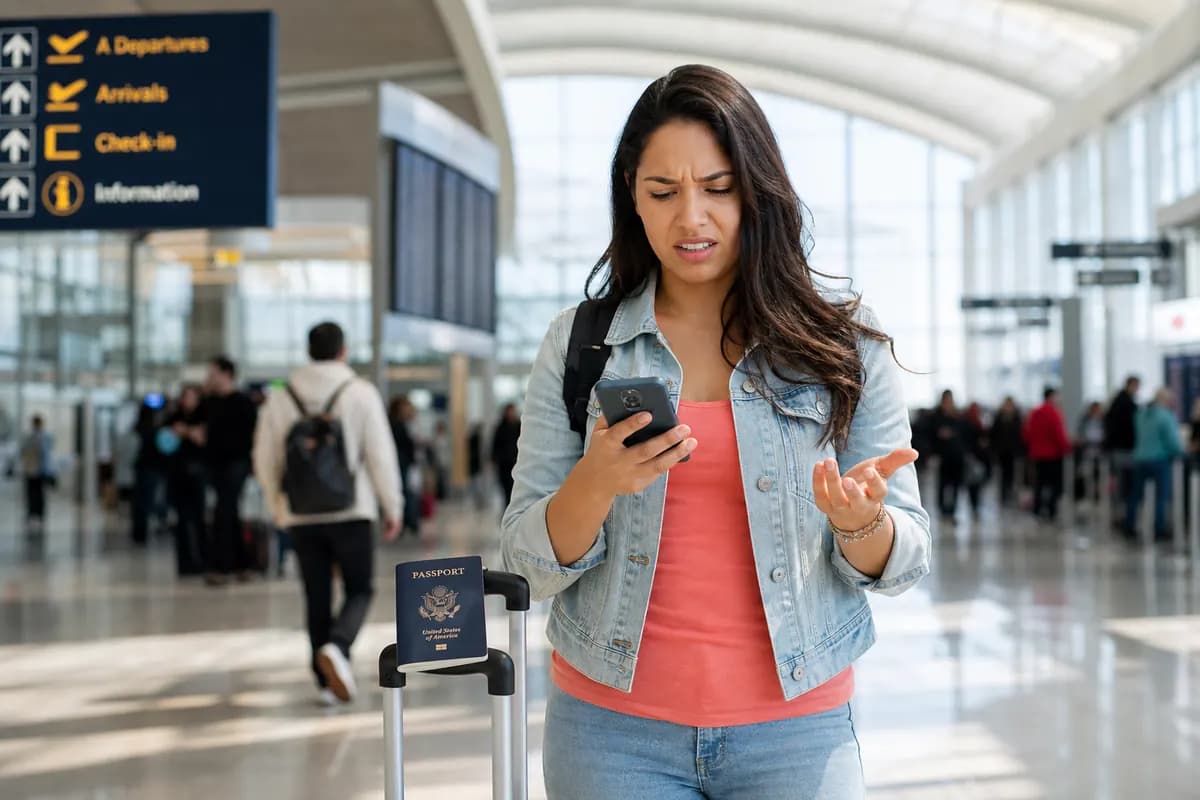
You turn on your phone. The screen says "SIM card not recognized" or "No SIM". You have no data, no maps, and no way to contact your hotel. Physical SIM cards fail. They get dirty, they shift in the tray, or the metal contacts wear out.
If you travel with a physical SIM, this error cuts off your connection instantly.
Why This Problem Happens
Physical SIM cards rely on a fragile connection. A small metal chip must align perfectly with tiny pins inside your phone.
Several factors disrupt this connection.
Physical Damage: You drop your phone. The impact knocks the SIM card out of alignment inside the tray. Even a millimeter shift breaks the connection. If you want to know more about physical failures, read our guide on a damaged SIM card.
Dust and Debris: Pocket lint and dust enter the phone through the charging port or speaker grilles. Over time, dust settles on the SIM card contacts. This creates a barrier between the card and the phone's internal pins.
Wear and Tear: You swap SIM cards frequently when traveling. Every time you pull the tray out and push it back in, you scrape the gold contacts. After a few years, the card degrades.
Software Glitches: Sometimes the hardware is fine. An iOS or Android update might contain a bug that temporarily disables the cellular modem.
Quick Fix (Solves 80% of Cases)

Do not panic. Most "SIM card not recognized" errors require a simple physical reset. Follow these three steps.
1. Restart Your Phone
Software bugs cause fake hardware errors. Press and hold the power button and volume down button. Slide to power off. Wait 30 seconds. Turn the phone back on. This forces the operating system to re-scan the SIM tray.
2. Reseat the SIM Card
If the restart fails, the card is misaligned.
- Turn off your phone.
- Find your SIM ejector tool or a paperclip.
- Push the tool into the small hole next to the SIM tray.
- Pull the tray out completely.
- Take the SIM card out of the tray.
- Place it back in, ensuring the notched corner matches the tray design.
- Push the tray back into the phone firmly.
3. Clean the Contacts
If reseating fails, dirt is the likely culprit. Eject the SIM tray again. Take a clean microfiber cloth. Gently wipe the gold contacts on the SIM card. Do not use water. Do not use rubbing alcohol. Just a dry wipe to remove fingerprint oils and dust. Reinsert the tray.
If your screen displays a different error message entirely, check our article on the “no SIM available” error.
Advanced Solutions
If the quick fixes fail, you must isolate the problem. Is it the phone, or is it the SIM card?
Test the SIM in Another Device
Borrow a phone from a friend or family member. Insert your SIM card into their device. If their phone reads the SIM, your phone's internal pins are damaged. You need a hardware repair. If their phone also says "SIM card not recognized", your SIM card is dead. You need a replacement from your carrier.
Reset Network Settings
Sometimes corrupted carrier settings block the SIM.
- On iPhone: Settings > General > Transfer or Reset iPhone > Reset > Reset Network Settings.
- On Android: Settings > System > Reset Options > Reset Wi-Fi, mobile & Bluetooth. This wipes saved Wi-Fi passwords, but it forces the phone to download fresh carrier data.
Switch to an eSIM
If your physical SIM is dead and you are abroad, waiting for a replacement in the mail is impossible. Buying a local physical SIM means dealing with language barriers and giving up your home number.
An eSIM solves this immediately. It uses a chip already built into your phone. No physical tray, no contacts to clean, no plastic to break.
If you need data right now, GoMoWorld provides a data-only eSIM. You download the app, choose your destination, and buy a plan.
| Carrier | Roaming Plan | Estimated Price |
|---|---|---|
| AT&T | International Day Pass | ~$15/day |
| T-Mobile | International plan | ~$15/day |
| Verizon | TravelPass | ~$15/day |
| GoMoWorld eSIM | 15 days, 10GB data | €10.99 |
You install the GoMoWorld eSIM 100% through the app. There are no QR codes to scan. You keep your dead physical SIM in the phone (or remove it entirely). The eSIM takes over your data connection.
GoMoWorld plans never expire until you activate them. You buy the 10GB plan for €10.99 now, and you tap "Start" in the app whenever you need the data. No auto-activation, no surprise charges.
If you encounter technical terms during setup, read about the SM-DP+ address.
Prevention

Stop swapping physical SIM cards. Every swap increases the risk of damage, dust, and loss.
When you travel, leave your primary physical SIM inside your phone. Keep it active for your home number. Turn off data roaming on that line to avoid $15/day carrier fees.
Use a GoMoWorld eSIM for your travel data.
- 3GB for 7 days costs €3.99.
- 10GB for 15 days costs €10.99.
- 25GB for 30 days costs €19.99.
You get 4G and 5G speeds. Hotspot is included on all plans. You prepay for the data, meaning zero overage fees. When the data runs out, the connection stops. You just buy another plan in the app if you need more.
Since GoMoWorld is data-only, you cannot make standard cellular calls or send SMS. You use data-based apps instead. Learn how to manage this with our guide on using WhatsApp while traveling.
By separating your phone number (physical SIM) from your travel data (eSIM), you protect your hardware. You never open the SIM tray. You never risk dropping that tiny piece of plastic on an airport floor.
For more tips on managing your data usage abroad, read about managing app data abroad. If the fault is purely physical, our guide to physical SIM card failures walks through cases like an oxidized SIM card.
Get your GoMoWorld eSIM today →
FAQ
What to do when the phone no longer detects the SIM card?
First, restart your phone. If that fails, eject the SIM tray, remove the card, wipe the gold contacts with a dry microfiber cloth, and reinsert it carefully. If the error persists, test the SIM in another phone to see if the card is permanently damaged.
Why does my phone say "no service" when my SIM card is inserted?
"No service" means the phone detects the SIM card, but cannot connect to a cell tower. This happens if your carrier has an outage, your account is suspended, or you are in a dead zone. Check your network settings and ensure airplane mode is turned off.
How do I reactivate my SIM card?
If your SIM was deactivated due to inactivity, you must contact your carrier. Insert the SIM, connect to Wi-Fi, and log into your carrier's app or website. Some carriers require you to purchase a new physical SIM if the old one was deactivated for more than 90 days.
How do I know if my SIM card is dead?
Insert your SIM card into a completely different, unlocked smartphone. If the second phone also displays a "SIM card not recognized" or "No SIM" error, the card is dead. You will need to request a replacement from your network provider.


Similar articles

SM-DP+ Address: Complete Troubleshooting Guide

WhatsApp While Traveling: Free or Paid? How to Use It

Data Apps Abroad: Comprehensive Troubleshooting Guide

No SIM Available: Causes and Solutions

Hear from our Happy Travelers
4.7
App Store

4.7
Google Play Store

March 5, 2026
Trustworthy and cheap
A trustworthy and economic way of being in contact with home when travelling


February 27, 2026
Excellent esim
Easy to use. Used in many countries and will continue to use gomoworld


February 26, 2026
Best eSIM prices
Excellent price and good network coverage. Used it for my trips to Turkey and Russia, I faced no issues at all. Recommend!


February 10, 2026
Great eSIM service
I use their esim and I have used them all over India, Colombia, Nicaragua and the US and have not had problems with connection, except high in the mountains where no one has it.

February 7, 2026
Works flawlessly from 1st second
Installing and activating is straightforward, testing the system with a free trial in Switzerland worked fine Connection throughout the Gambia was perfect Renewal after expiration was easy, cheap and quick.


January 25, 2026
Really good data plans withs reasonable prices
GoMoWorld offered the best value out of all the options I considered. The app experience was also superior to other services I’ve tried. There was no ID verification requirement. Payment and setup was super easy. It guides you step by step how to install the eSIM and tells you the recommended settings. I would recommend to anyone looking for lots of data with really competitive prices.

What is an eSIM?
We’ll Explain Everything.
A simple, digital solution for staying connected wherever you Go.

Say Goodbye to Physical SIM Cards
No need to handle a physical SIM card (or risk losing yours)—everything is digital with an eSIM.

Quick and Easy Activation.
Download your GoMoWorld eSIM from our app and get connected in minutes. All our plans start at just €3.99, with no subscriptions or hidden fees.

Perfect for Travelers
Keep your regular SIM active for calls and texts while using GoMoWorld for data. You can have both your primary SIM and eSIM active simultaneously, or two eSIMs.


from
€3.99

Still thinking about it?
Download the app and enjoy a risk-free Trial. Experience GoMoWorld travel eSIM now!