
Disable Roaming iPhone: Causes and Solutions

Simon Muller
Posted on May 26, 2026

Disable Roaming iPhone: Causes and Solutions
You land in London, turn off airplane mode, and your iPhone instantly connects to a local network. A week later, your home carrier bills you $15 for every single day of your trip.
Disabling roaming stops these charges immediately. Here is exactly how to shut off data roaming on your iPhone and keep your travel budget intact.
Why Does This Problem Occur?
Your home carrier has agreements with foreign networks. When you travel abroad, your iPhone looks for a signal and connects to one of these partner networks. This process is called international roaming.
If the data roaming toggle is active in your settings, your iPhone consumes data the second it connects. Background apps refresh. Emails download. Weather widgets update. This instant data usage triggers your carrier's daily travel pass.
Most major carriers operate on a 24-hour billing cycle for international passes. The moment your phone uses a single kilobyte of data abroad, a new 24-hour window begins. You get charged $15 immediately. If you leave roaming on for a 10-day vacation, that single toggle costs you $150.
| Carrier | Roaming Plan | Estimated Price |
|---|---|---|
| AT&T | International Day Pass | ~$15/day |
| T-Mobile | International plan | ~$15/day |
| Verizon | TravelPass | ~$15/day |
| GoMoWorld eSIM | 15 days, 10GB | €10.99 |
To avoid a massive bill, you must turn this feature off manually.
Quick Fix (Solves 80% of Cases)
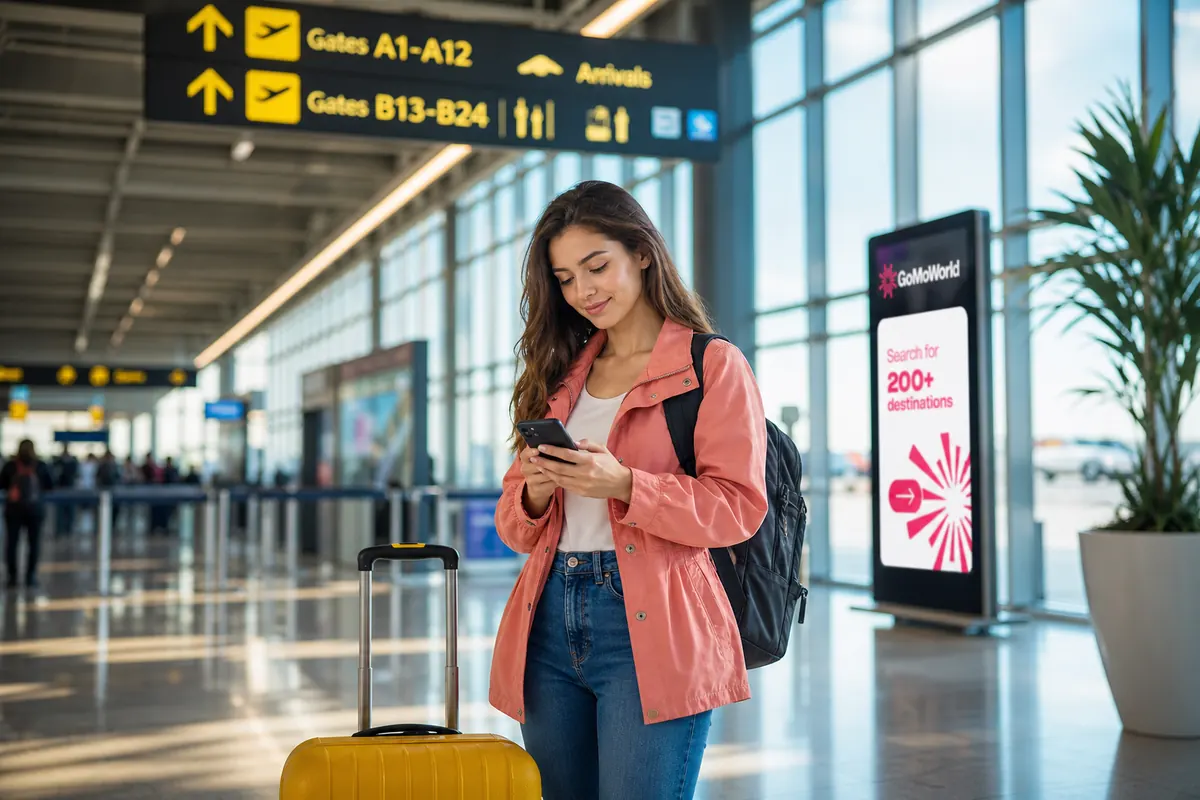
You can block your iPhone from using foreign cellular networks in five seconds. Do this before you board your flight or immediately upon landing.
- Open the Settings app on your iPhone.
- Tap Cellular (or Mobile Data depending on your region).
- Tap Cellular Data Options.
- Find the Data Roaming toggle.
- Switch it to the OFF position (the toggle will turn grey).
If you use a Dual SIM setup, the process requires one extra tap. Go to Settings > Cellular. Under the SIMs section, tap your primary phone number. Then, turn off Data Roaming. Repeat this for any other active lines.
This action stops all mobile data traffic on foreign networks. Your iPhone will no longer download emails, sync photos, or load web pages unless connected to a secure Wi-Fi network.
However, this only disables data. Your cellular connection remains active for voice calls and SMS text messages. If you answer an incoming call or send a standard text, your carrier will still charge you international rates.
To stay connected without carrier fees, keep data roaming off and rely on Wi-Fi networks. For a complete guide on calling over Wi-Fi, check out whatsapp while traveling.
Advanced Solutions
Sometimes, flipping the switch is not enough. You might encounter greyed-out settings, persistent connection errors, or background data leaks.
The Toggle is Greyed Out
If you cannot tap the data roaming switch, your iPhone might be restricted by a Mobile Device Management (MDM) profile. Companies use MDM profiles to enforce security policies and control cellular data costs. Go to Settings > General > VPN & Device Management. If a corporate profile locks your settings, contact your IT department.
Background Data Leaks
You turned off roaming, but your carrier still charged you for a day pass. This occurs if you briefly turned roaming back on to check a map, and background apps immediately consumed data. To stop this, you must restrict background activity entirely. Read our guide on data apps abroad to block hidden data usage.
Complete Network Failure
If you disable roaming and suddenly lose all signal—even for calls—your physical SIM card might be failing. A damaged chip prevents your iPhone from authenticating on any network. Learn how to identify this physical issue in our article on damaged sim card.
Alternatively, your iPhone might display an error message stating no network is detected. This software glitch requires a network reset. Find the exact steps in no sim available.
Manual eSIM Configuration Issues
If you decide to bypass roaming fees by adding a local travel plan, you might face installation errors. Entering manual server details incorrectly blocks the connection. If your setup fails, check our troubleshooting steps for sm-dp+ address.

Prevention
The best way to fix roaming issues is to replace your carrier's expensive daily pass with a dedicated travel data plan.
A GoMoWorld eSIM solves the problem upfront. You keep your home physical SIM active for incoming calls and texts, and you route all your internet traffic through a local GoMoWorld data plan.
Installation happens 100% via the GoMoWorld app. No QR codes to scan. No physical stores to visit.
You control the activation. The plan never auto-activates when you land. You open the app and tap "Start" when you are ready. The plan never expires until you press that button. Buy it today, use it in six months.
GoMoWorld operates on a strict prepay system. You pay a flat rate. No overage fees exist. When you run out of data, the connection stops. You simply buy another plan if you need more. Hotspot usage is included on all plans, allowing you to share your connection with a laptop or tablet.
Pricing is clear and fixed for specific durations:
- 7 days, 3GB data: €3.99
- 15 days, 10GB data: €10.99
- 30 days, 25GB data: €19.99
Stop paying $15 a day for basic internet access. Get your GoMoWorld eSIM today →
FAQ
How do I turn off roaming mode?
Open the Settings app on your iPhone. Tap Cellular, then tap Cellular Data Options. Switch the Data Roaming toggle to the off position. This stops your device from using foreign networks for internet access.
What does *#21# mean on iPhone?
Dialing *#21# on your iPhone keypad checks your call forwarding status. It shows you if your voice calls, data, or SMS are being forwarded to another number. Check this before traveling to avoid unexpected routing charges.
How to enable roaming on iPhone?
To turn roaming back on, go to Settings > Cellular > Cellular Data Options. Switch the Data Roaming toggle to the on position (it will turn green). Ensure you have an active international plan to avoid high pay-per-use fees.
How do I know if roaming is active on my iPhone?
Check the top corner of your screen. If you see a foreign carrier's name instead of your home network, your phone is roaming. To verify if data roaming is active, check Settings > Cellular > Cellular Data Options to see if the toggle is green.


Similar articles
SM-DP+ Address: Complete Troubleshooting Guide

WhatsApp While Traveling: Free or Paid? How to Use It
Data Apps Abroad: Comprehensive Troubleshooting Guide
No SIM Available: Causes and Solutions

Hear from our Happy Travelers
4.7
App Store

4.7
Google Play Store

March 5, 2026
Trustworthy and cheap
A trustworthy and economic way of being in contact with home when travelling


February 27, 2026
Excellent esim
Easy to use. Used in many countries and will continue to use gomoworld


February 26, 2026
Best eSIM prices
Excellent price and good network coverage. Used it for my trips to Turkey and Russia, I faced no issues at all. Recommend!


February 10, 2026
Great eSIM service
I use their esim and I have used them all over India, Colombia, Nicaragua and the US and have not had problems with connection, except high in the mountains where no one has it.

February 7, 2026
Works flawlessly from 1st second
Installing and activating is straightforward, testing the system with a free trial in Switzerland worked fine Connection throughout the Gambia was perfect Renewal after expiration was easy, cheap and quick.


January 25, 2026
Really good data plans withs reasonable prices
GoMoWorld offered the best value out of all the options I considered. The app experience was also superior to other services I’ve tried. There was no ID verification requirement. Payment and setup was super easy. It guides you step by step how to install the eSIM and tells you the recommended settings. I would recommend to anyone looking for lots of data with really competitive prices.

What is an eSIM?
We’ll Explain Everything.
A simple, digital solution for staying connected wherever you Go.

Say Goodbye to Physical SIM Cards
No need to handle a physical SIM card (or risk losing yours)—everything is digital with an eSIM.

Quick and Easy Activation.
Download your GoMoWorld eSIM from our app and get connected in minutes. All our plans start at just €3.99, with no subscriptions or hidden fees.

Perfect for Travelers
Keep your regular SIM active for calls and texts while using GoMoWorld for data. You can have both your primary SIM and eSIM active simultaneously, or two eSIMs.


from
€3.99

Still thinking about it?
Download the app and enjoy a risk-free Trial. Experience GoMoWorld travel eSIM now!
