

Cómo comprobar el bloqueo de red del móvil: causas y soluciones

Simon Muller
Publicado el 23 de septiembre de 2026
Cómo comprobar el bloqueo de red del móvil: causas y soluciones
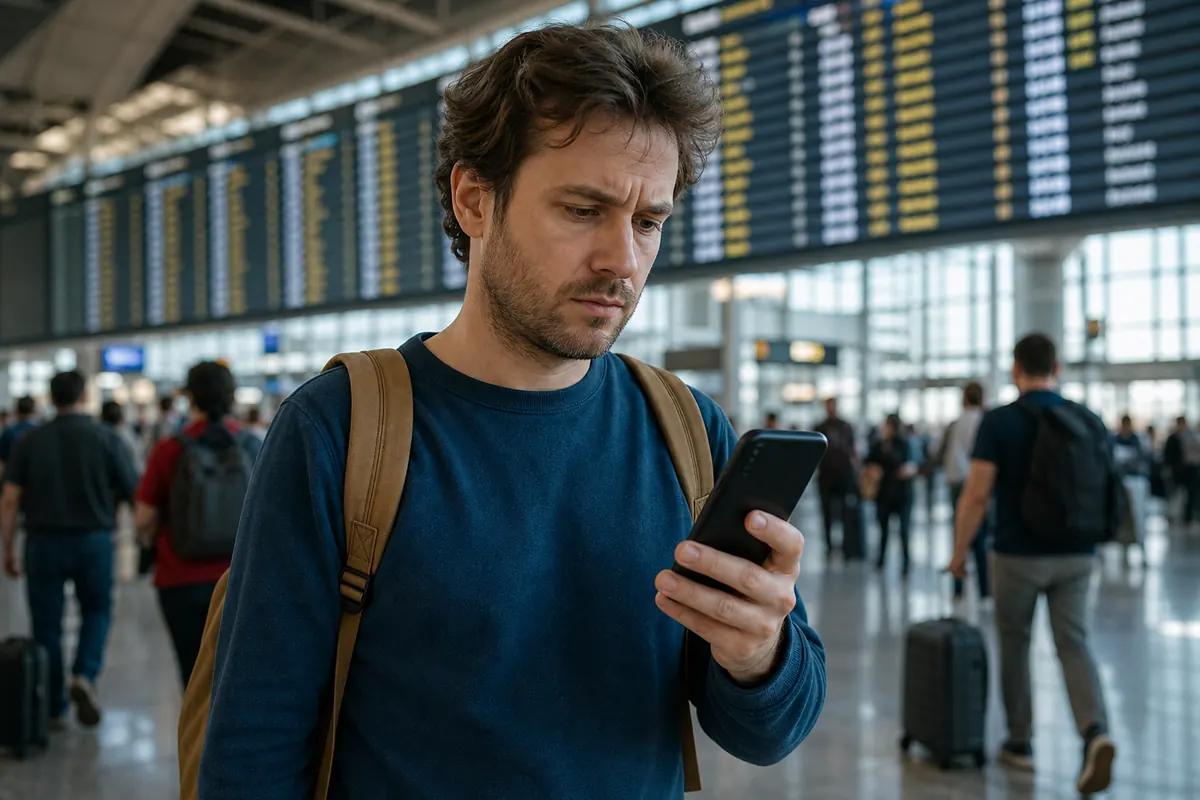
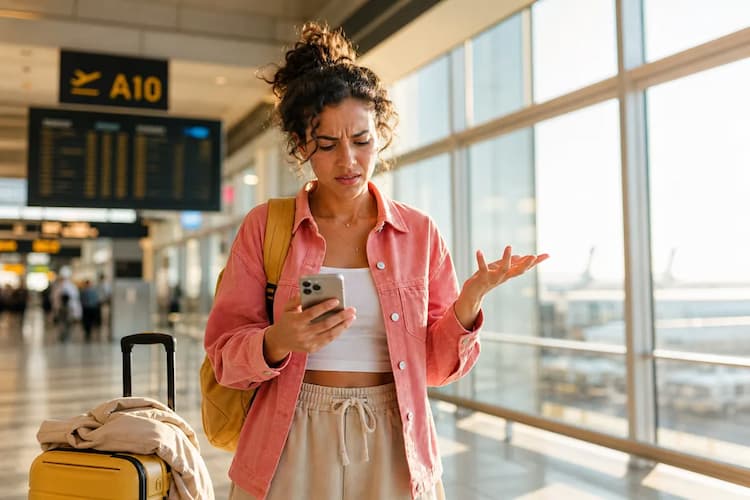
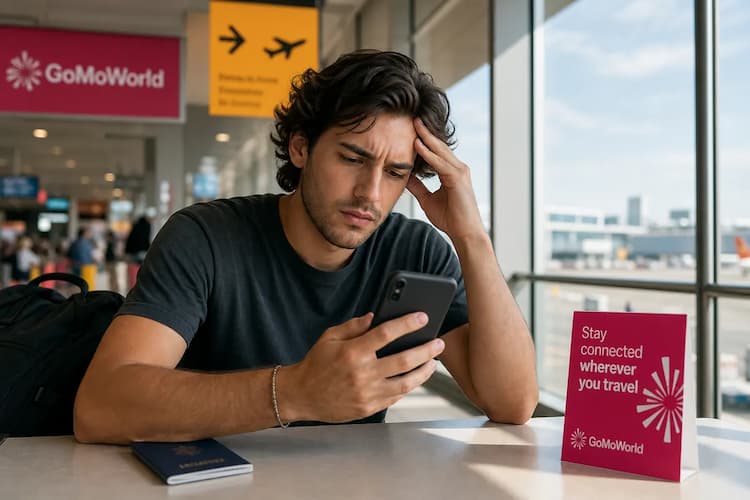
Aterrizas en Heathrow, enciendes tu iPhone y ves el roaming activado. La factura llega tres semanas después. AT&T cobra hasta 15 $ al día fuera de Estados Unidos. Para evitarlo la próxima vez, compras una tarjeta SIM local en el aeropuerto. La insertas. Y en la pantalla aparece una advertencia: "Red bloqueada".
No tienes datos. No puedes cargar un mapa. No puedes pedir un taxi. Tu operador habitual bloqueó tu dispositivo a su red. Tu teléfono rechaza la nueva SIM.
El bloqueo de red es uno de los problemas de red en el extranjero más habituales. Para resolverlo, tienes que comprobar el estado del bloqueo de red antes de viajar. Una vez liberado, puedes olvidarte de las SIM físicas. Una eSIM de GoMoWorld resuelve la conectividad de antemano. Tienes 10 GB de datos durante 15 días por 10,99 €. Y mantienes activo tu número habitual para llamadas y mensajes.
¿Por qué ocurre este problema?
Los operadores venden los smartphones con un descuento enorme. Subvencionan el coste del aparato. A cambio, bloquean el dispositivo a su red. Esta restricción de software te impide usar tarjetas SIM de la competencia o eSIM de viaje. Si intentas conectarte a otra red, el teléfono bloquea la señal por completo.
Este bloqueo es únicamente un ajuste de software. Vincula el número IMEI único de tu teléfono con la base de datos del operador. No tiene nada que ver con un daño físico. Si sospechas que tu tarjeta física está rota, lee sobre los síntomas de una SIM dañada.
Los operadores de Estados Unidos, como AT&T y T-Mobile, bloquean los teléfonos hasta que están totalmente pagados. Verizon los desbloquea automáticamente 60 días después de la compra. En Europa, la mayoría de los teléfonos modernos se venden libres por defecto.
Si tu teléfono está bloqueado, no puedes usar ninguna SIM local ni eSIM de viaje. Te saldrá un error persistente. Descubre qué pasa cuando tu teléfono indica que no hay SIM.
Solución rápida (resuelve el 80 % de los casos)
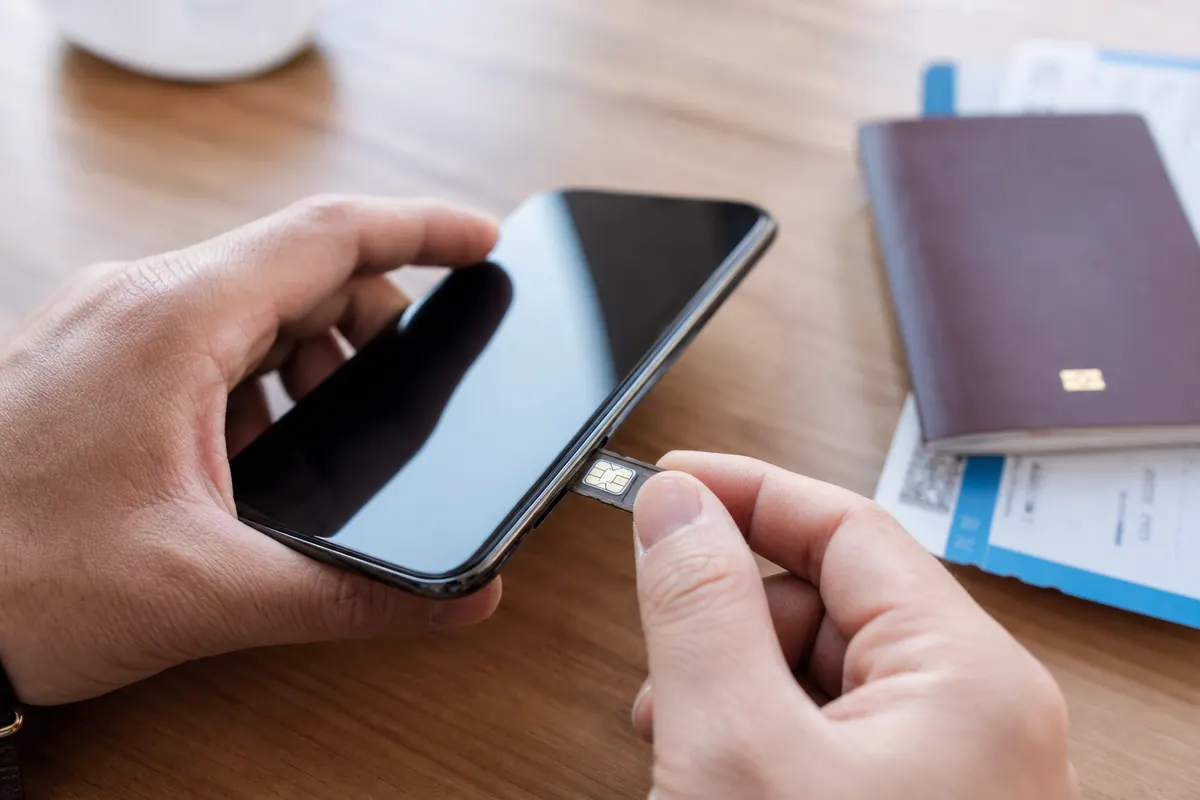
Antes de llamar al servicio de atención al cliente, comprueba tú mismo el estado de tu teléfono. Puedes verificar el bloqueo de red directamente en los ajustes del dispositivo.
Si tienes iPhone:
- Abre Ajustes.
- Pulsa General.
- Pulsa Información.
- Baja hasta Bloqueo del operador.
Si la pantalla dice "Sin restricciones de SIM", tu teléfono está liberado. Ya puedes instalar una eSIM de viaje. Si dice "SIM bloqueada", tienes que contactar con tu operador.
Si tienes Android (Samsung, Google Pixel):
- Abre Ajustes.
- Pulsa Conexiones o Redes e internet.
- Pulsa Redes móviles.
- Pulsa Operadores de red.
Desactiva el interruptor "Seleccionar automáticamente". Si tu teléfono busca y muestra varias redes disponibles, lo más probable es que esté liberado. Algunos dispositivos Samsung muestran un estado específico de "Desbloqueo de red" en el menú de ajustes, dentro de "Información del teléfono".
Si tu teléfono está liberado pero la configuración de la eSIM sigue fallando, el problema es otro. Lee sobre la configuración SM-DP+ para resolver los errores de configuración manual.
Soluciones avanzadas
Si tu teléfono está bloqueado, necesitas un código de desbloqueo oficial o un desbloqueo remoto por parte de tu operador. No puedes saltarte esta restricción con apps de terceros.
Paso 1: Comprueba los requisitos Tu dispositivo debe estar totalmente pagado. Tu cuenta debe estar al corriente. No puedes tener ningún saldo vencido. El teléfono no debe estar denunciado como perdido ni robado.
Paso 2: Solicita el desbloqueo Contacta con tu operador. AT&T ofrece un portal en línea para desbloquear dispositivos. Envías tu solicitud desde su web. T-Mobile ofrece una app específica, "Device Unlock", en los dispositivos Android. Para los iPhone de T-Mobile, tienes que escribir al servicio de atención al cliente.
Para este trámite necesitas tu número IMEI. Marca *#06# en el teclado del teléfono para encontrarlo.
Paso 3: Aplica el desbloqueo En los iPhone, el operador procesa el desbloqueo de forma remota. Conecta tu teléfono al wifi. El bloqueo desaparece automáticamente.
En algunos dispositivos Android, el operador te da un código de desbloqueo de red específico. Inserta en el teléfono una tarjeta SIM de otro operador. La pantalla te pedirá el código. Introduce la secuencia que te ha dado tu operador.
Una vez liberado, tú controlas tu conectividad. Puedes vigilar y restringir el consumo de datos en segundo plano en el extranjero. Descubre más sobre cómo controlar los datos de las apps en segundo plano.
Cómo evitarlo
No viajes nunca sin comprobar el estado del bloqueo de red. Verifica tu teléfono semanas antes del vuelo. El desbloqueo por parte del operador puede tardar hasta 48 horas en procesarse. Si esperas a estar en el aeropuerto, te quedarás sin datos.
Compra los teléfonos libres directamente al fabricante. Un teléfono libre te da total libertad. Puedes usar cualquier red del mundo. Y te ahorras los caros pases diarios de roaming.
Cuando tu teléfono esté liberado, asegura tus datos antes de volar. No dependas del caro roaming del operador. No pierdas el tiempo buscando tarjetas SIM físicas en aeropuertos extranjeros.

GoMoWorld ofrece una eSIM solo de datos. La instalación se hace al 100 % desde la app de GoMoWorld. No hay ningún código QR que escanear. Descargas la app en iOS o Android. Eliges tu destino.
Los planes de GoMoWorld no caducan hasta que los activas. Compra tu plan hoy. Guárdalo en la app. Cuando aterrices, abre la app y pulsa "Iniciar". La activación es totalmente manual. Tú controlas exactamente cuándo empiezan tus datos. Sin activación automática no hay cargos sorpresa.
Mantienes tu SIM habitual activa para llamadas y mensajes. Usas GoMoWorld exclusivamente para los datos. Puedes llamar a tus amigos gratis, pero antes consulta cuántos datos gasta WhatsApp. Todos los planes de GoMoWorld incluyen acceso a hotspot móvil.
| Operador | Plan de roaming | Precio estimado |
|---|---|---|
| AT&T | International Day Pass | ~15 $/día |
| T-Mobile | International Pass | ~15 $/día |
| Verizon | TravelPass | ~15 $/día |
| eSIM de GoMoWorld | 15 días, 10 GB de datos | 10,99 € |
GoMoWorld funciona con un sistema estricto de prepago. Cuando se acaban tus datos, la conexión se detiene. No hay cargos por exceso de consumo. Si necesitas más datos, solo tienes que comprar otro plan.
Para evitar sustos de roaming y problemas de bloqueo de red, deja tu plan de datos resuelto ahora mismo. eSIM →
Preguntas frecuentes
¿Por qué mi teléfono dice "red bloqueada"?
Tu operador bloqueó el dispositivo a su red. Pasa cuando compras un teléfono a plazos o a un precio subvencionado. El teléfono rechazará cualquier tarjeta SIM de otra red hasta que se desbloquee oficialmente.
¿Qué es un código de desbloqueo de red?
Un código de desbloqueo de red es una secuencia específica de números que te facilita tu operador móvil. Cuando insertas una tarjeta SIM nueva, el teléfono te pide este código. Si introduces el código correcto, la restricción de red se elimina de forma permanente.
¿Cómo desbloqueo mi red?
Tienes que contactar con el operador que te vendió el teléfono. Si tu dispositivo está totalmente pagado y tu cuenta está al corriente, tramitarán el desbloqueo. En los iPhone se hace de forma remota; en los dispositivos Android, mediante un código de desbloqueo.
¿Qué es el bloqueo del operador?
El bloqueo del operador es una restricción de software que tu proveedor móvil instala en tu smartphone. Obliga al teléfono a conectarse únicamente a sus antenas. Tienes que quitar este bloqueo para usar tarjetas SIM locales o eSIM de viaje cuando viajes al extranjero.


Artículos similares
Dirección SM-DP+: dónde encontrarla y resolver el error eSIM
WhatsApp de viaje: ¿gratis o de pago? ¿Cómo hacerlo?
Aplicaciones y datos en el extranjero: guía completa de solución de problemas
No hay SIM disponible: causas y soluciones

Opiniones de nuestros viajeros
4.7
App Store

4.7
Google Play Store

5 de marzo de 2026
Fiable y económica
Solución fiable y económica para mantenerte conectado en tus viajes


27 de febrero de 2026
Excelente eSIM
Muy fácil de usar. La probé en varios países y sin duda seguiré usando GoMoWorld


26 de febrero de 2026
Las mejores tarifas de eSIM
Precio inmejorable y excelente cobertura de red. La usé en Turquía y Rusia sin ningún problema. ¡La recomiendo totalmente!


10 de febrero de 2026
Excelente servicio de eSIM
Uso su eSIM en muchos países: India, Colombia, Nicaragua, Estados Unidos... Sin problemas de conexión, salvo en alta montaña, donde de todas formas no hay cobertura de nadie.

7 de febrero de 2026
Funciona perfectamente desde el primer segundo
La instalación y la activación son sencillas. La prueba gratuita en Suiza funcionó genial. Conexión perfecta en toda Gambia. La renovación al caducar fue fácil, barata y rápida.


25 de enero de 2026
Excelentes planes de datos a precios competitivos
GoMoWorld ofrece la mejor relación calidad-precio de todas las opciones que he comparado. La experiencia en la app también es mucho mejor que en otros servicios que probé. No piden ninguna verificación de identidad. El pago y la instalación son súper sencillos. La app te guía paso a paso para instalar la eSIM y te recomienda los ajustes correctos. La recomiendo totalmente a quien busque muchos datos a precios realmente atractivos.

¿Qué es una eSIM?
Te lo Contamos Todo.
Una solución digital sencilla para estar conectado vayas donde vayas.

Di adiós a las tarjetas SIM físicas
Se acabó manejar una tarjeta SIM física (o arriesgarte a perderla): con una eSIM todo es digital.

Activación rápida y sencilla
Descarga tu eSIM de GoMoWorld desde la app y conéctate en pocos minutos. Todos nuestros planes empiezan desde solo 3,99 €, sin suscripción ni cargos ocultos.

Ideal para viajeros
Mantén tu SIM habitual activa para tus llamadas y SMS mientras usas GoMoWorld para tus datos. Puedes tener tu SIM principal y tu eSIM activas al mismo tiempo, o incluso dos eSIM.


desde
3,99 €

¿Aún lo estás pensando?
Descarga la app y prueba GoMoWorld sin riesgo con nuestra prueba gratuita. La aventura empieza aquí.